Linux vs. Windows for Developers and Tech Students: A Practical Comparison
Do you really need Linux to become a better developer, or is Windows enough? A grounded comparison of performance, containers, server workflows, and software compatibility.
Picking an Operating System Should Be Practical, Not Tribal
Where Linux shines, where Windows wins, and how to decide for your workload.
Every computer science student and new developer eventually faces the same debate: stick with Windows or switch to Linux? Both can build serious software—the right choice depends on what you run every day.
Skip the online flame wars and judge both systems on three practical dimensions: hardware efficiency, server and container parity, and required software.
Linux vs. Windows Where It Actually Counts
1. Performance and Older Hardware
Linux runs noticeably lighter on RAM and CPU with zero forced mid-work reboots, breathing fresh life into older laptops. Windows uses more background resources, though it offers near-instant driver compatibility on brand-new hardware.
2. Native Containers, Networking, and Server Parity
Because most production servers run Linux, developing natively on Linux gives you identical shells, native container performance, and effortless networking tools. Windows narrows the gap with Linux subsystems, though at the cost of extra memory overhead.
3. Required Campus Apps and Specialized Software
If your courses depend on Windows-only engineering suites or specific desktop tools, staying on Windows—or dual-booting—prevents frustrating workarounds before deadlines.
Five Smart Tips Before Switching Operating Systems
Test cleanly without risking your files or semester deadlines.
- Try Linux via a live USB or virtual machine before wiping your main drive.
- Confirm every required university or client application has a reliable path.
- Back up your personal files fully before partitioning for a dual-boot setup.
- Start with a stable, mainstream distribution rather than a bleeding-edge experiment.
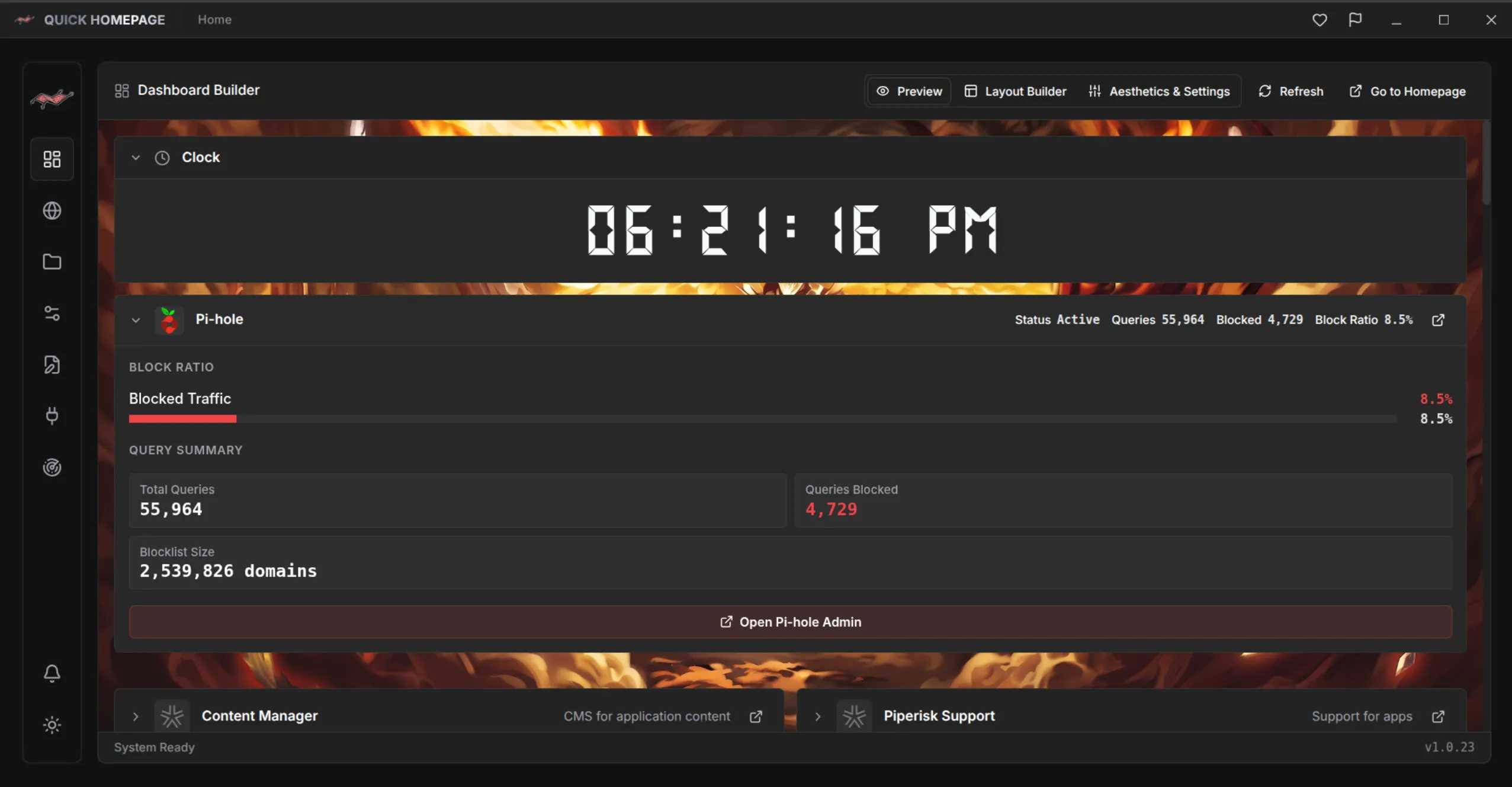
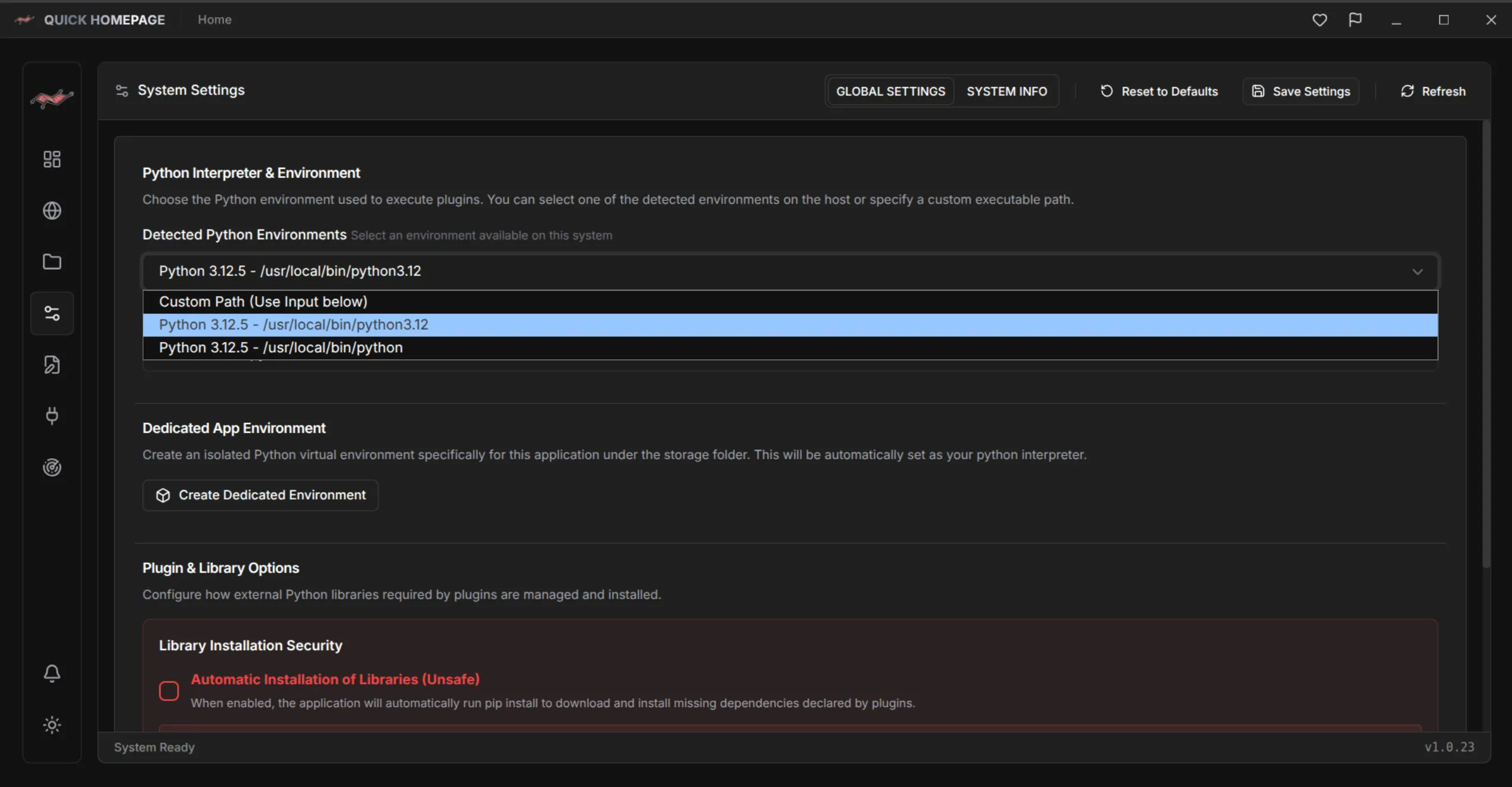
- On Linux, organize your local servers and dev services in Quick Homepage so everything stays one click away.
The best operating system is the one that stays out of your way while you ship real work.
Turn Your Linux Desktop Into a Clean Homelab Hub
Once you move your coding and server management to Linux, local dashboards, containers, and lab machines add up quickly.
Quick Homepage gives Linux users a fast desktop and self-hosted dashboard with built-in Nmap scanning—automatically discovering your network services and organizing them into clean collections.

Quick Homepage
Every Service on Your Network, One Click Away
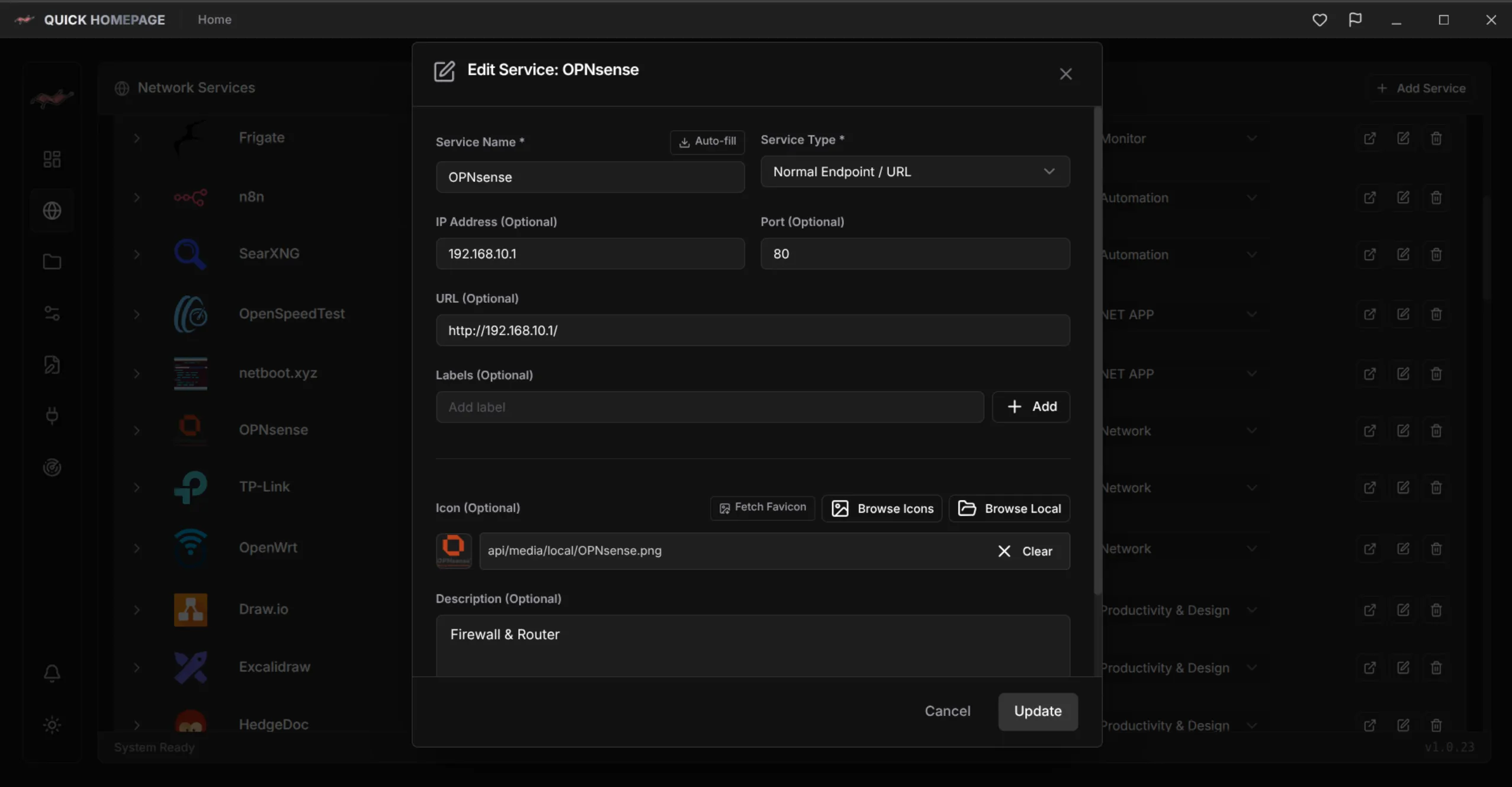
Quick Homepage is a desktop and self-hosted homelab dashboard that discovers running services with built-in Nmap scanning and organizes them into collections. Linux is supported today, with Windows planned.
- Built-in Nmap network and port scanner finds hosts, ports, and services
- Custom names, URLs, descriptions, and icons with a built-in icon and media library
- Collections, layouts, plugins, and live widgets for your homelab
- Configure through the GUI or edit YAML files directly