Everyday Privacy Without Paranoia: 5 Personal Signals Your Devices Share Without Asking
Protecting your privacy does not mean disappearing off the grid. Learn five quiet data points modern phones and laptops share by default—and how to tighten them in ten minutes.
Privacy Is About Sensible Boundaries, Not Hiding
A few default settings quietly leak far more about your routine than you realize.
Many people skip privacy settings because the topic feels extreme or overly technical. In reality, everyday digital privacy is just like closing your curtains at night—a normal, healthy boundary that takes ten minutes to set up once.
Modern phones, browsers, and smart home gadgets ship with generous sharing defaults. Knowing the five most common quiet leaks lets you trim unnecessary tracking without breaking any app you enjoy.
Three Quiet Data Points Worth Checking First
1. Exact GPS Coordinates Inside Photos (EXIF Metadata)
Every photo taken on a phone can embed the exact latitude, longitude, and camera model. Turning off location tagging for your camera—or stripping metadata before sharing publicly—keeps your home address private.
2. Always-On Background Location and Advertising IDs
Most apps only need your location "While Using," never "Always." Resetting or disabling your device advertising ID also stops apps from stitching together your habits across services.
3. Unseen Background Chatter on Your Home Network
Smart TVs, printers, and forgotten gadgets frequently talk on your local Wi-Fi even when idle. Knowing what devices are active on your network keeps your home setup clean and transparent.
Five Ten-Minute Privacy Wins Anyone Can Do Today
Simple, balanced tweaks with zero inconvenience.
- Review app location permissions and switch non-map apps to "While Using" or "Never."
- Disable personalized ad tracking in your phone and laptop privacy settings.
- Strip location metadata before posting photos to public forums or marketplaces.
- Keep a separate guest Wi-Fi network for visitors and noisy smart gadgets.
- Prefer local-first tools that run on your own devices instead of uploading everything to third-party servers.
Good privacy should feel invisible—set sensible defaults once and get on with your day.
Visibility Starts on Your Own Network
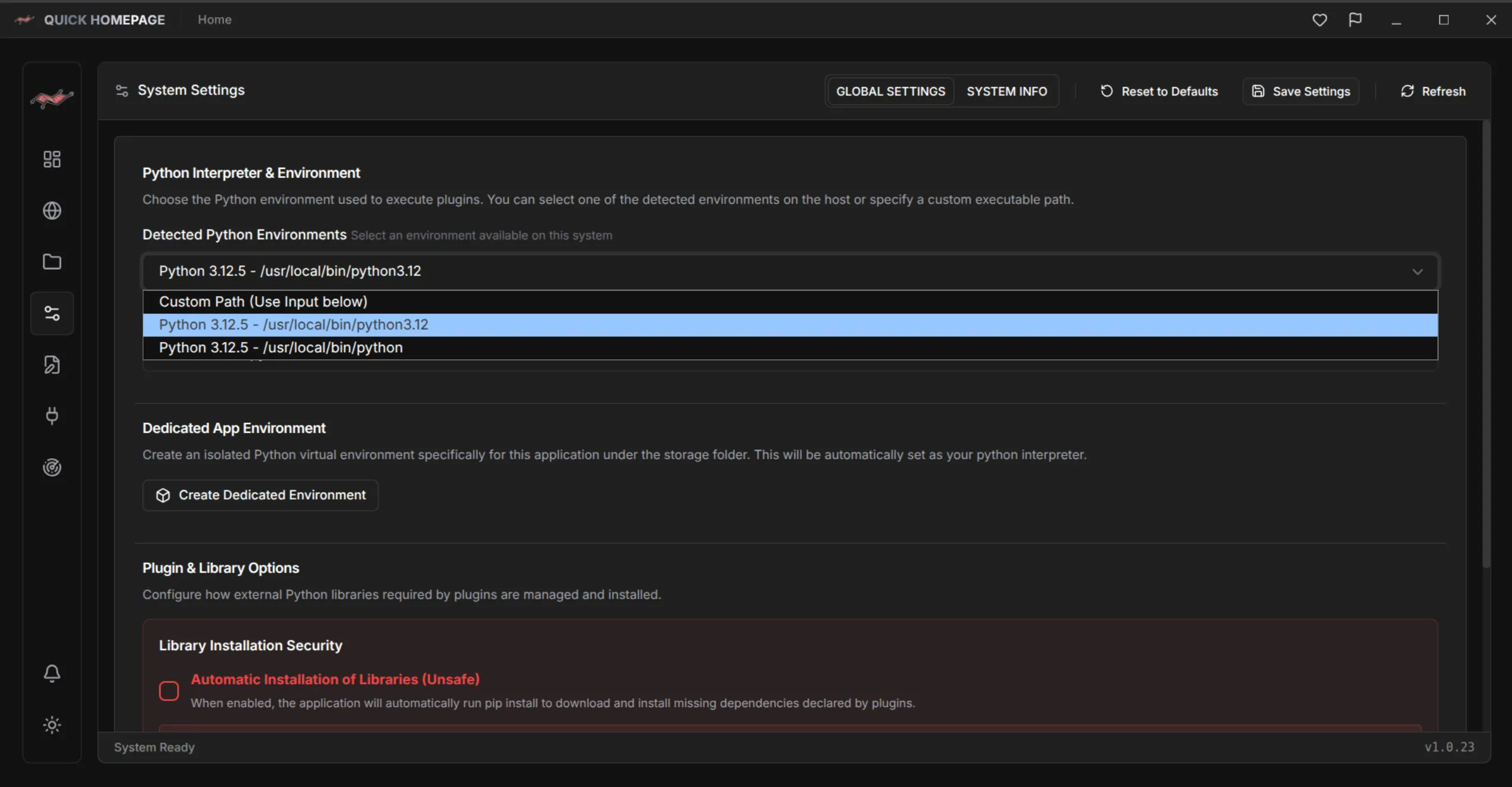
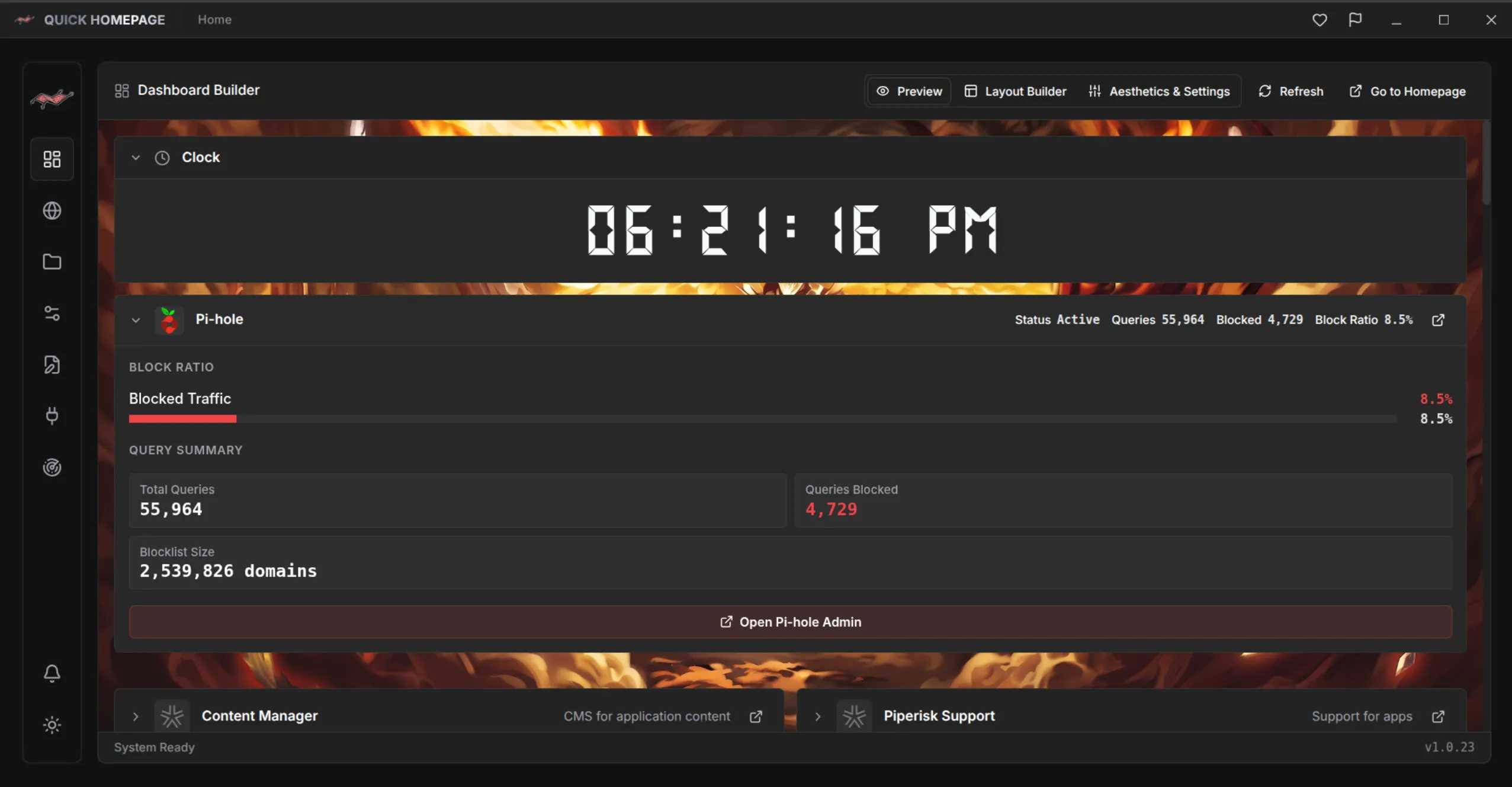
True digital comfort begins with knowing what is running in your own home. Quick Homepage runs locally on Linux with a built-in Nmap scanner so you can inspect active hosts and organize your own self-hosted tools cleanly without sending your network map to any external cloud.
Spend ten minutes checking your phone permissions and local devices today—your future self will thank you.

Quick Homepage
Every Service on Your Network, One Click Away
Quick Homepage is a desktop and self-hosted homelab dashboard that discovers running services with built-in Nmap scanning and organizes them into collections. Linux is supported today, with Windows planned.
- Built-in Nmap network and port scanner finds hosts, ports, and services
- Custom names, URLs, descriptions, and icons with a built-in icon and media library
- Collections, layouts, plugins, and live widgets for your homelab
- Configure through the GUI or edit YAML files directly
