DNS Privacy and Local Network Filtering: Making Home Internet Faster and Safer
Every website visit begins with a quiet domain lookup. Learn how encrypted DNS and local network-wide filtering speed up browsing while blocking trackers and phishing on every device.
The Hidden Phonebook Behind Every Click—and Why It Matters
Browsing speed and privacy start before a single webpage begins to load.
Whenever you open a link, your device asks a Domain Name System server to translate the human-readable address into a numeric destination. By default, those lookups often travel unencrypted to an internet provider, exposing your browsing habits and adding unnecessary latency.
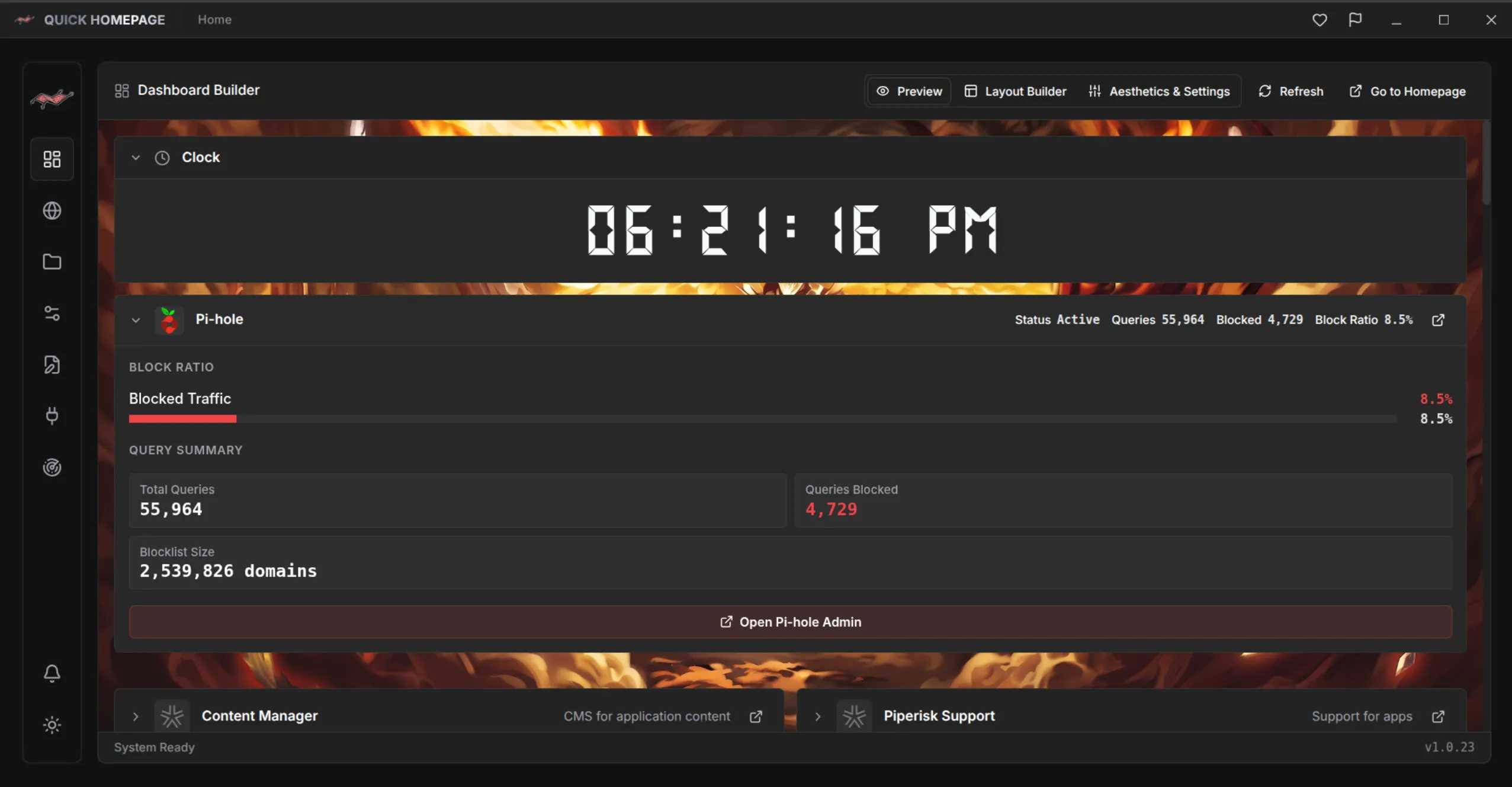
Moving DNS resolution to a local filtering resolver with encrypted upstream lookups transforms your entire home network. Trackers and known phishing domains are stopped before a page even requests them, while cached local answers make frequent sites respond almost instantaneously.
Three Immediate Wins of Local DNS Filtering
1. Automatic Protection for Every Device on Your Wi-Fi
Smart TVs, phones, and household tablets gain tracker and phishing protection immediately without installing separate browser extensions on each device.
2. Faster Page Loads Through Local Caching
Frequently requested addresses resolve in milliseconds from your own local network instead of waiting on distant servers.
3. Clear Visibility Into Background Traffic
Local query logs make it easy to spot chatty smart gadgets phoning home constantly and block unnecessary telemetry.
Five Steps to a Faster, More Private Home Network
Configure once at the network level and let every device benefit quietly.
- Enable encrypted upstream DNS lookups on your router or local resolver to prevent plain-text snooping.
- Use reputable, regularly updated blocklists focused on phishing, malware, and aggressive trackers.
- Keep a simple fallback plan documented so household internet never stalls during maintenance.
- Review blocked query logs occasionally to whitelist any legitimate service you rely on.
- Keep your resolver dashboard, router admin page, and local tools gathered in one clean homepage.
Stopping trackers at the network gate is cleaner, faster, and far easier than chasing them inside every app.
Keep Every Local Network Tool One Click Away
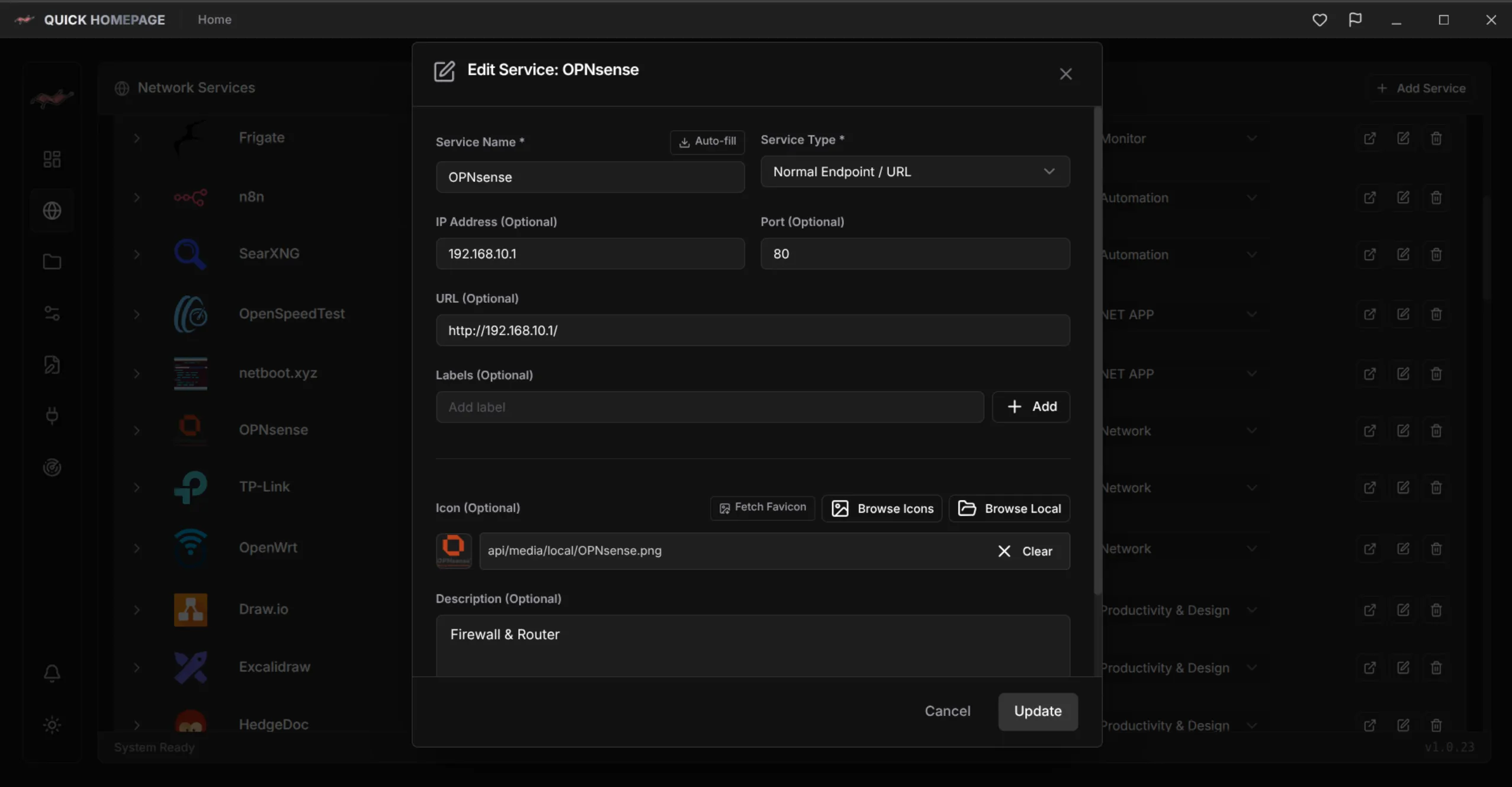
Once you run a local DNS dashboard alongside your router and home storage, memorizing raw IP addresses and port numbers gets old fast. Quick Homepage discovers active services on your network with built-in scanning and organizes them into clean collections you can open in a click.
Check your router DNS settings today and bring your local network panels together into one tidy control hub.

Quick Homepage
Every Service on Your Network, One Click Away
Quick Homepage is a desktop and self-hosted homelab dashboard that discovers running services with built-in Nmap scanning and organizes them into collections. Linux is supported today, with Windows planned.
- Built-in Nmap network and port scanner finds hosts, ports, and services
- Custom names, URLs, descriptions, and icons with a built-in icon and media library
- Collections, layouts, plugins, and live widgets for your homelab
- Configure through the GUI or edit YAML files directly