Goodbye Cloud Subscriptions: Build Your Own Storage Server With TrueNAS
Tired of recurring cloud fees, slow uploads, and handing your private files to third parties? Learn how open-source TrueNAS gives you fast, private storage you truly own.
Why More People Are Walking Away From Cloud Storage
Endless monthly fees, upload bottlenecks, and privacy trade-offs.
Cloud storage plans look cheap at first, but as photos, university projects, and backups grow, the monthly bill climbs forever. Stop paying—or lose access to your account—and your own files are suddenly locked behind someone else's rules and limited by your internet upload speed.
TrueNAS offers a practical, open-source alternative: turn a spare PC or compact home server into a dedicated network-attached storage (NAS) appliance with fast local transfers and full ownership.
How TrueNAS Changes the Way You Store Data
1. True Ownership With One-Time Hardware Costs
You buy your drives once instead of renting gigabytes every month. Personal documents, backups, and project archives stay inside your home or office—never scanned by outside providers or disrupted by sudden price hikes.
2. Built-In Data Integrity Powered by ZFS
TrueNAS runs on ZFS, which continuously checks files for silent corruption and supports scheduled snapshots. Delete a folder by mistake or overwrite an important file, and you can restore the previous version in seconds.
3. Fast Local Sharing Across Every Device
Enable standard SMB or NFS shares and your TrueNAS box appears like a fast local drive on Windows, Linux, or macOS—letting you move tens of gigabytes over your home network in minutes instead of waiting hours for cloud uploads.
Five Essentials for a Reliable TrueNAS Setup
Simple habits that keep your self-hosted storage healthy for years.
- Install TrueNAS on a dedicated small SSD and reserve your larger drives strictly for data pools.
- Use at least two drives in a mirror or redundant layout so a single failed disk never wipes your files.
- Enable automatic periodic snapshots on important datasets to guard against accidental deletions.
- Create regular user accounts for daily shares instead of logging in as root.
- Still keep one off-site backup of irreplaceable files—a NAS protects against drive failure, not fire or theft.
The cloud is just someone else's computer; with TrueNAS, that computer finally belongs to you.
Checking Pool Health and Keeping Local Docs
One of the best parts of TrueNAS is checking the exact health of your drives with a single command. Pair your self-hosted storage with an offline-first app like Quick Homepage so your notes, mount paths, and maintenance logs stay just as independent as your files:
zpool status
Quick Homepage
Every Service on Your Network, One Click Away
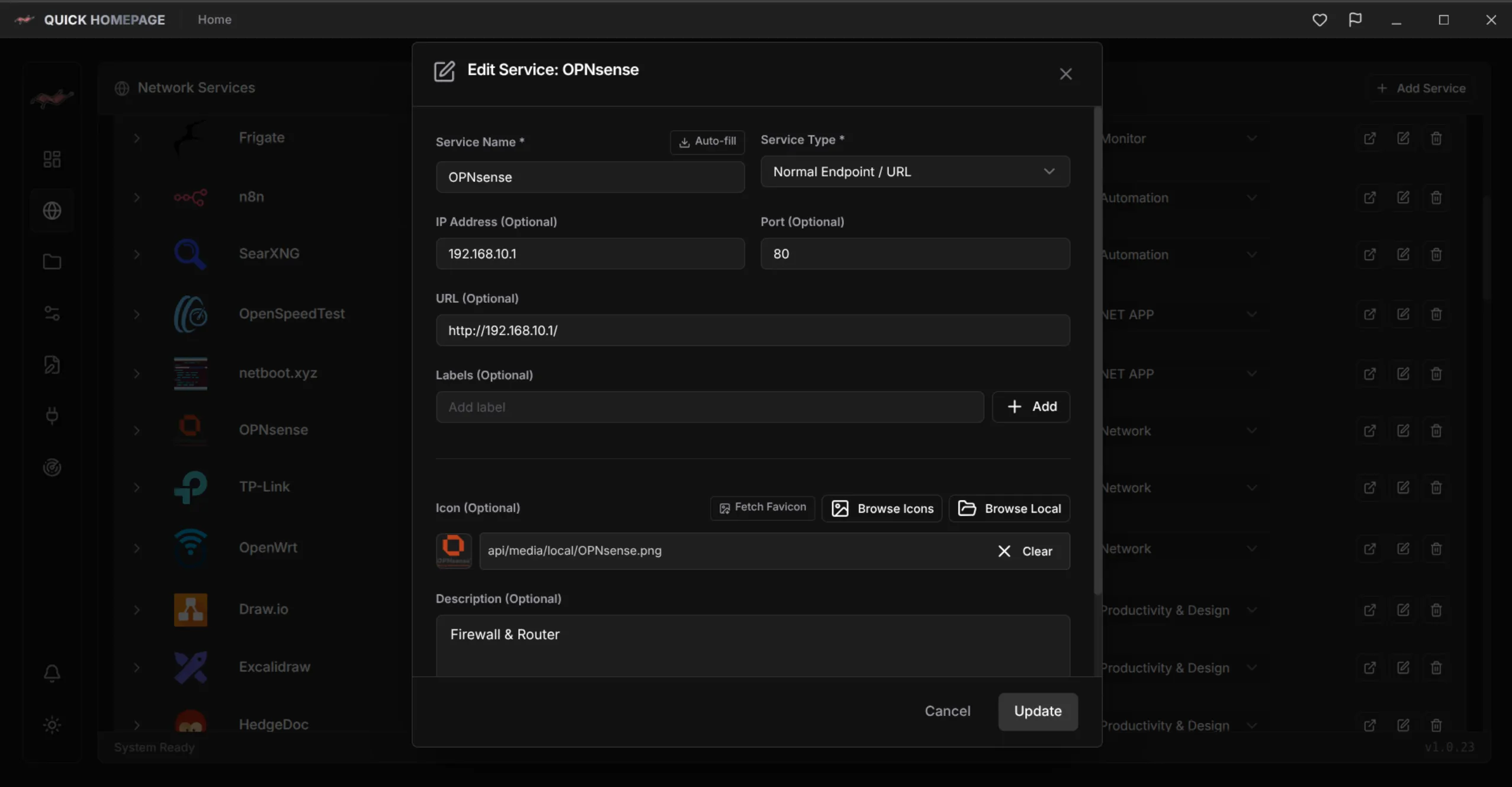
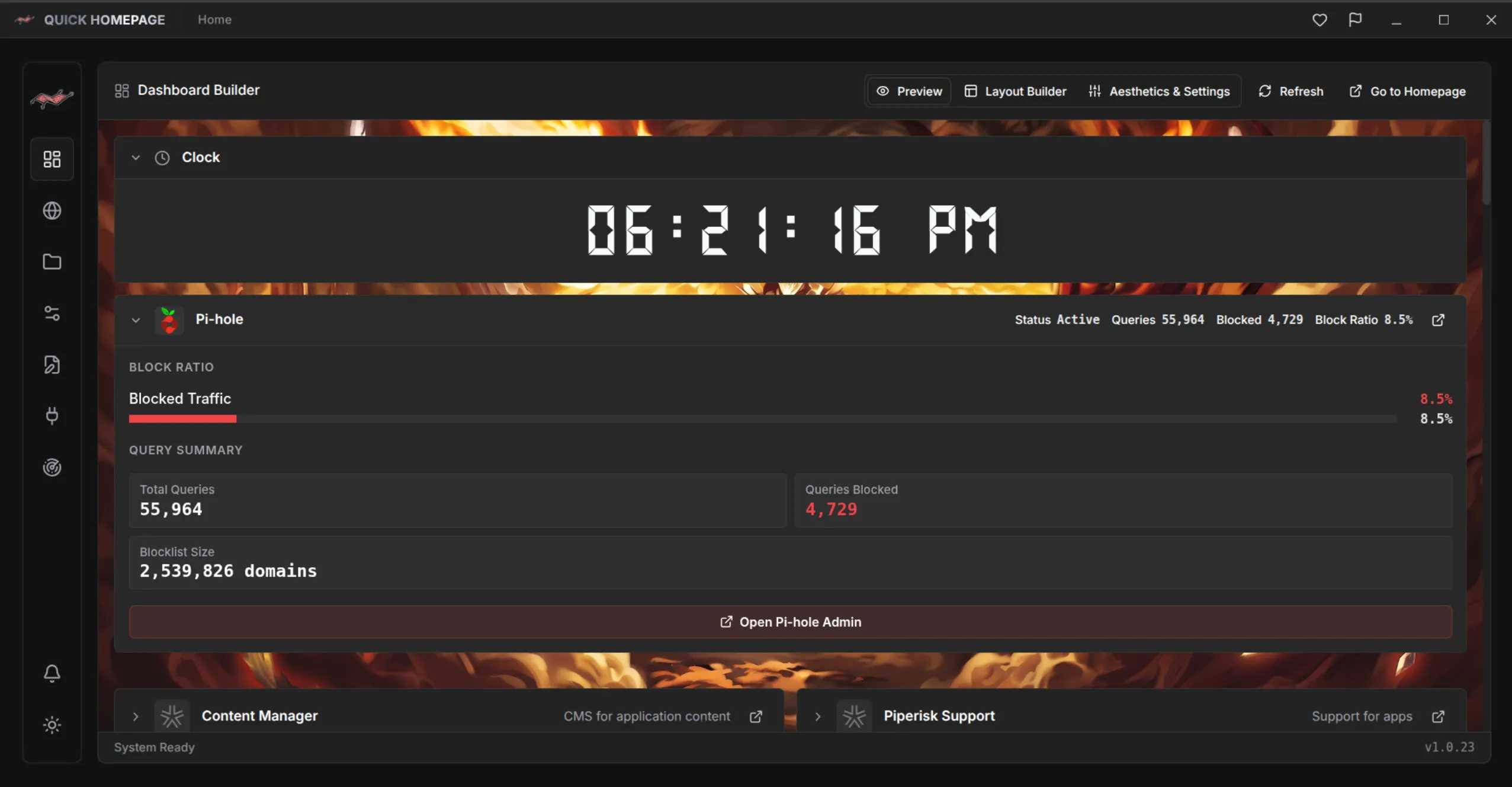
Quick Homepage is a desktop and self-hosted homelab dashboard that discovers running services with built-in Nmap scanning and organizes them into collections. Linux is supported today, with Windows planned.
- Built-in Nmap network and port scanner finds hosts, ports, and services
- Custom names, URLs, descriptions, and icons with a built-in icon and media library
- Collections, layouts, plugins, and live widgets for your homelab
- Configure through the GUI or edit YAML files directly
