Calm Technology: Why Modern Smart Homes Feel Noisy—and How to Make Tech Quiet Again
Smart gadgets were supposed to simplify life, yet many homes end up full of blinking LEDs, ten separate apps, and constant alerts. Explore the design philosophy of calm technology.
When "Smart" Devices Start Demanding More Attention Than They Save
Good technology should sit quietly in the background until you actually need it.
In the 1990s, computing pioneers coined the phrase "calm technology" to describe tools that inform without overwhelming. Yet many modern homes drifted in the opposite direction: one app for the router, another for cameras, another for backups, and constant phone alerts competing for your focus.
Technology stops feeling helpful the moment you spend more time managing its apps than benefiting from it. Bringing calm back to your home tech does not mean giving up useful tools—it means simplifying how you reach them.
Three Principles of Calm Technology You Can Apply at Home
1. Turn Off Every Non-Essential Alert
A notification should mean something truly requires your action. Silencing routine status pings immediately lowers background stress.
2. Prefer Local Control Over Cloud-Only Dependencies
Tools that run inside your home network stay fast, private, and reliable even when external internet connections hiccup.
3. Replace Ten Scattered Apps With One Glanceable Hub
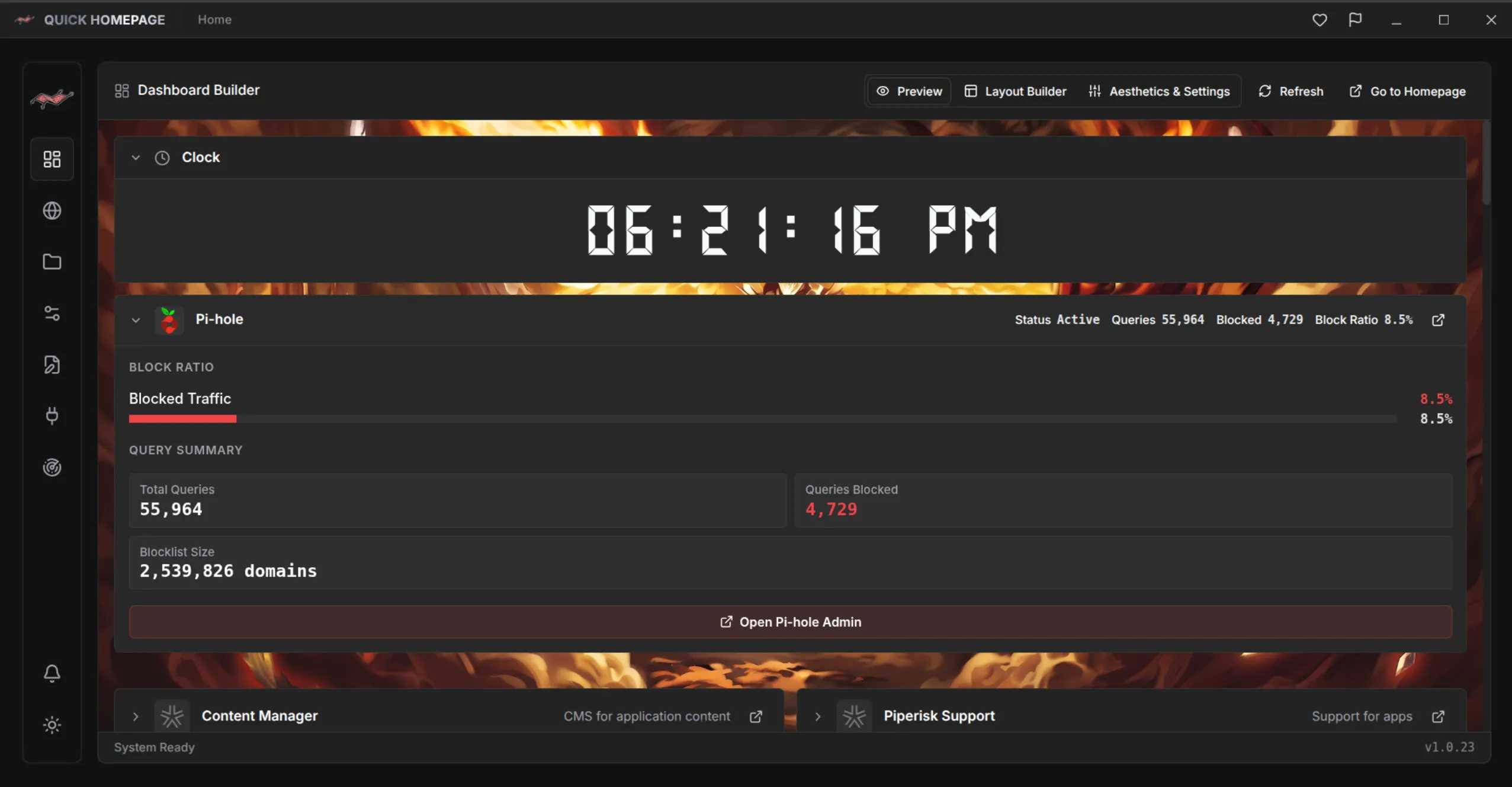
Having one calm, well-organized home page for your local devices and web tools removes the friction of hunting through folders and bookmarks.
Five Ways to Keep Home Technology Quiet and Effortless
Design your digital environment around peace of mind.
- Audit your phone notifications once a month and mute anything that is not urgent.
- Group related home tools by room or purpose instead of by vendor.
- Keep visual interfaces clean with clear labels and recognizable icons.
- Avoid buying new gadgets that force yet another mandatory account and subscription.
- Use one unified local dashboard so everyone in the house knows where to find what they need.
The best technology disappears into the rhythm of your day instead of shouting for your attention.
One Quiet Front Door for Your Local Tools
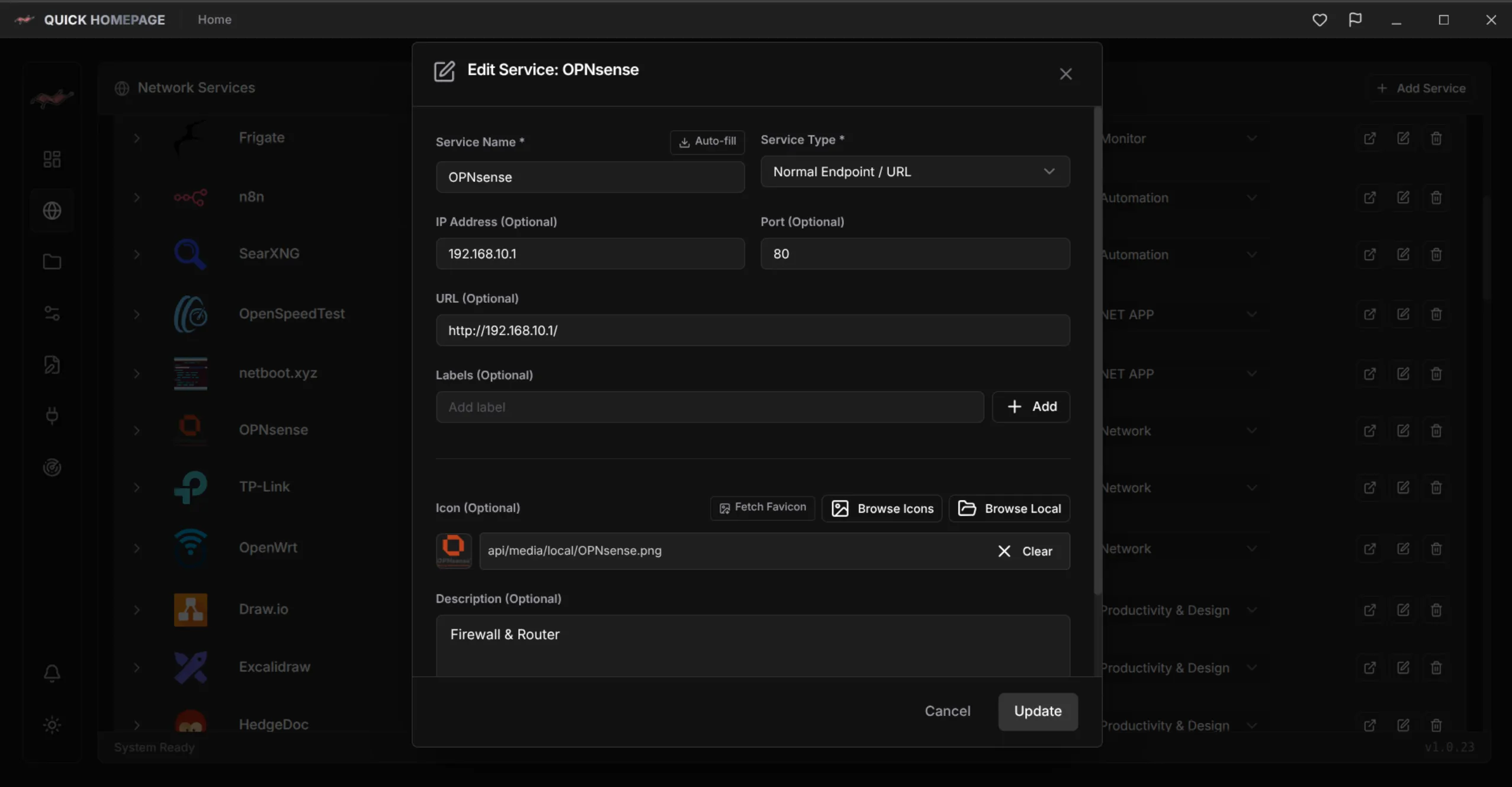
Quick Homepage was built with that exact calm simplicity in mind: instead of juggling raw addresses and scattered bookmarks, it discovers active services on your local network and arranges them into clean, customizable collections—giving your home tech one quiet front door.
Pick three noisy notifications to mute today and gather your most-used local tools into one tidy dashboard.

Quick Homepage
Every Service on Your Network, One Click Away
Quick Homepage is a desktop and self-hosted homelab dashboard that discovers running services with built-in Nmap scanning and organizes them into collections. Linux is supported today, with Windows planned.
- Built-in Nmap network and port scanner finds hosts, ports, and services
- Custom names, URLs, descriptions, and icons with a built-in icon and media library
- Collections, layouts, plugins, and live widgets for your homelab
- Configure through the GUI or edit YAML files directly
