Best Text-to-Speech Note Apps With Synchronized Line Highlighting
Plain audio playback is easy to tune out—synchronized line highlighting keeps your eyes and ears locked on the material. See what defines the best TTS note app and how Tekno Notebook works.
Why Synchronized Audio + Highlighting Beats Silent Rereading
Engaging sight and sound together stops mind-wandering and speeds up revision.
Students and writers constantly search for the best text-to-speech note app to rest tired eyes and proofread faster. Yet pasting text into separate cloud TTS sites breaks your workflow and makes it easy to lose your place.
Checklist: What to Look For in a Top TTS Note App

How Tekno Notebook Nails the Audio Reader Workflow
Switch from writing to listening in one click with full playback control.
1. Media Player Built Into Reader Mode
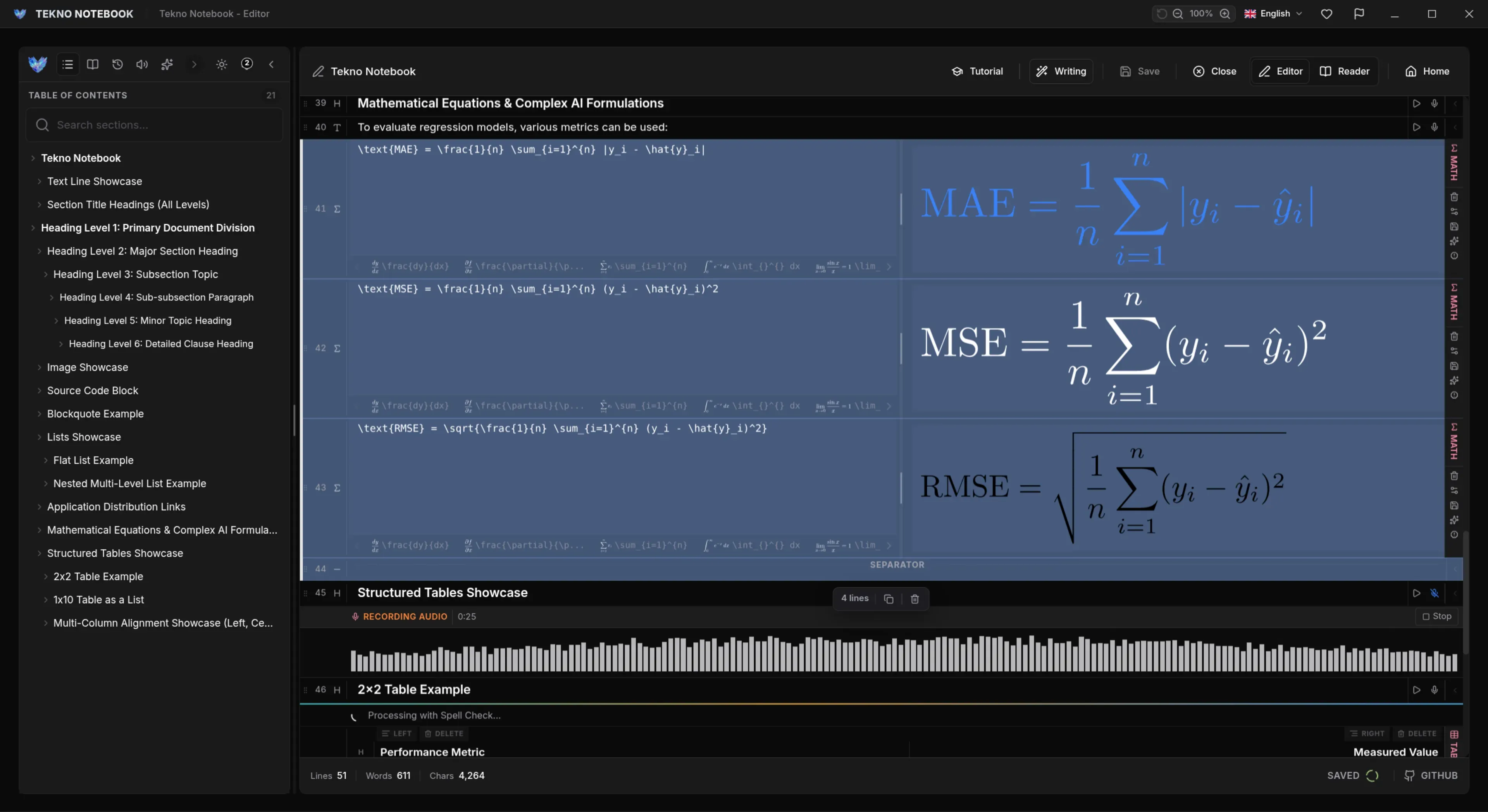
Switch to Tekno Notebook's Reader Mode and you immediately get a clean media player interface that reads your notes line by line—ideal for exam prep or catching stiff sentences by ear.
2. Automatic Line Tracking (Auto-Tracking)
As playback progresses, Auto-Tracking follows and highlights the active line automatically, keeping your focus anchored even through dense theory or long reports.
When your eyes follow the exact line your ears hear, passive listening turns into active retention.

Tekno Notebook
Listen to Your Notes With Synchronized Line Highlighting in Tekno Notebook
Tekno Notebook's Reader Mode features a built-in media player and Auto-Tracking that highlights every line as it is read aloud—completely offline.
- Built-in media player interface to play, pause, and step through lines
- Auto-Tracking highlights the exact line currently being read aloud
- 100% offline playback with zero character limits or paywalls
- Clean Reader Mode separated from editing distractions