Best Alternatives to Manual YAML Homelab Dashboards: Visual GUI Plus Code Control
One stray space in a YAML file can break your entire homelab start page. Discover the best alternatives to text-only configs and how Quick Homepage gives you both GUI and YAML.
Why Self-Hosters Are Looking for Alternatives to Text-Only YAML Dashboards
Config files are great for backups, but debugging spaces just to add one icon wastes time.
Adding a single link to your dashboard should take five seconds—not ten minutes of hunting a broken YAML indent.
Many popular homelab dashboards force you to SSH in and hand-edit YAML files every time you spin up a new service, change an icon, or move a section. One misplaced tab or colon can take the whole page offline, pushing users to search for cleaner GUI-first alternatives.
Checklist: What the Best YAML Dashboard Alternative Should Offer
# Edit visually via Smart GUI OR directly in YAML:
collection: Core Homelab
service:
  name: Local Storage Panel
  url: http://192.168.1.20:8080
  icon: server-storage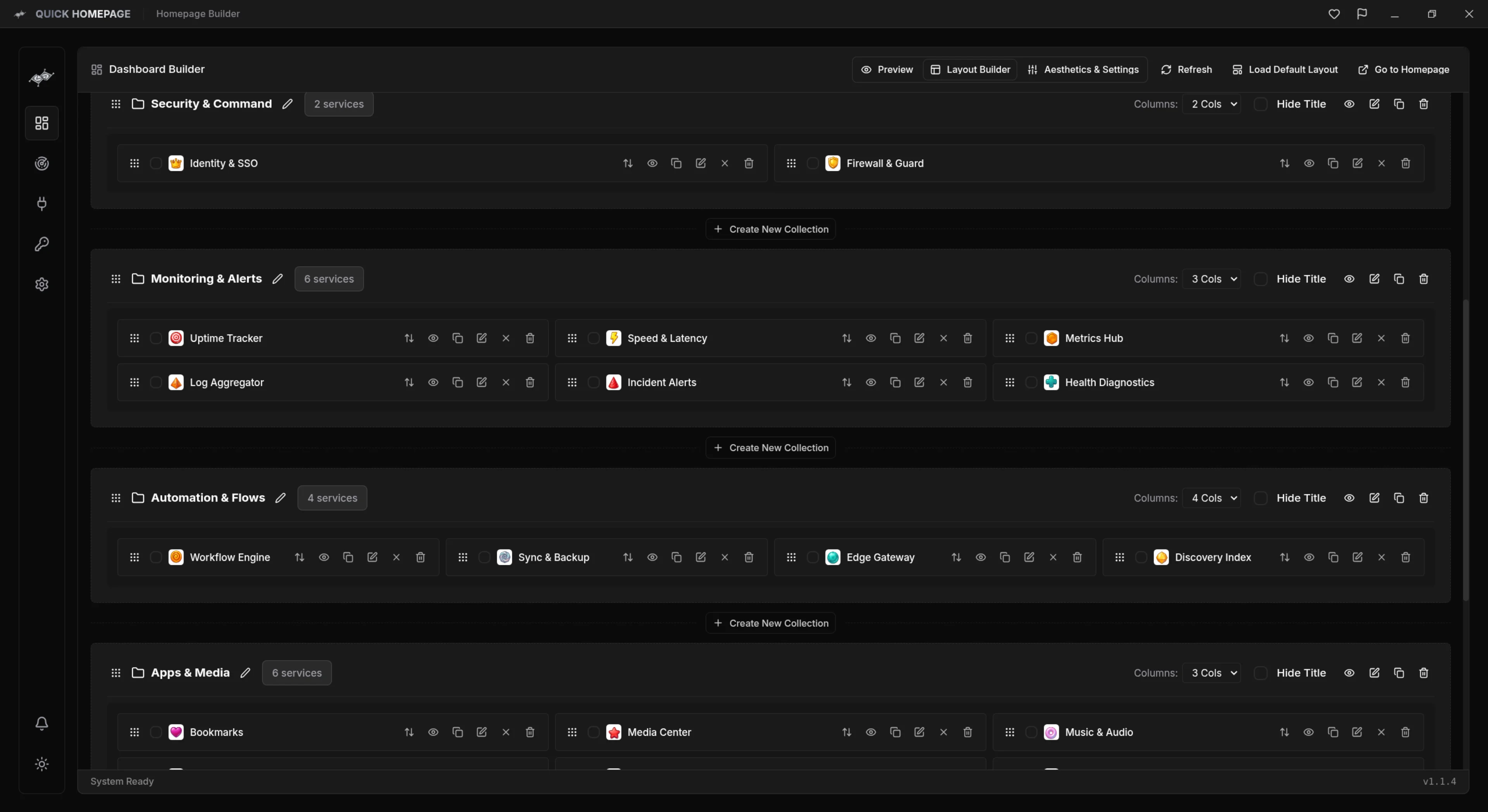
Why Quick Homepage Gives You Both Worlds Without Compromise
Visual speed for daily tweaks, direct YAML control whenever you want it.
Quick Homepage removes the false choice between beginner-friendly tools and power-user control. Its Smart GUI Editor makes creating services, arranging collections, and building interactive Python widgets effortless.
Whenever you prefer editing configuration files directly, the built-in YAML editor is right there—keeping your visual dashboard and underlying YAML cleanly in sync.

Quick Homepage
Edit Visually or Tweak YAML Directly—Your Choice in Quick Homepage
Quick Homepage combines a Smart GUI Editor for effortless drag-and-configure layouts with a built-in YAML editor for power users who still love direct config control.
- Smart GUI Editor eliminates indentation errors when adding services
- Built-in YAML editor lets power users edit raw config anytime
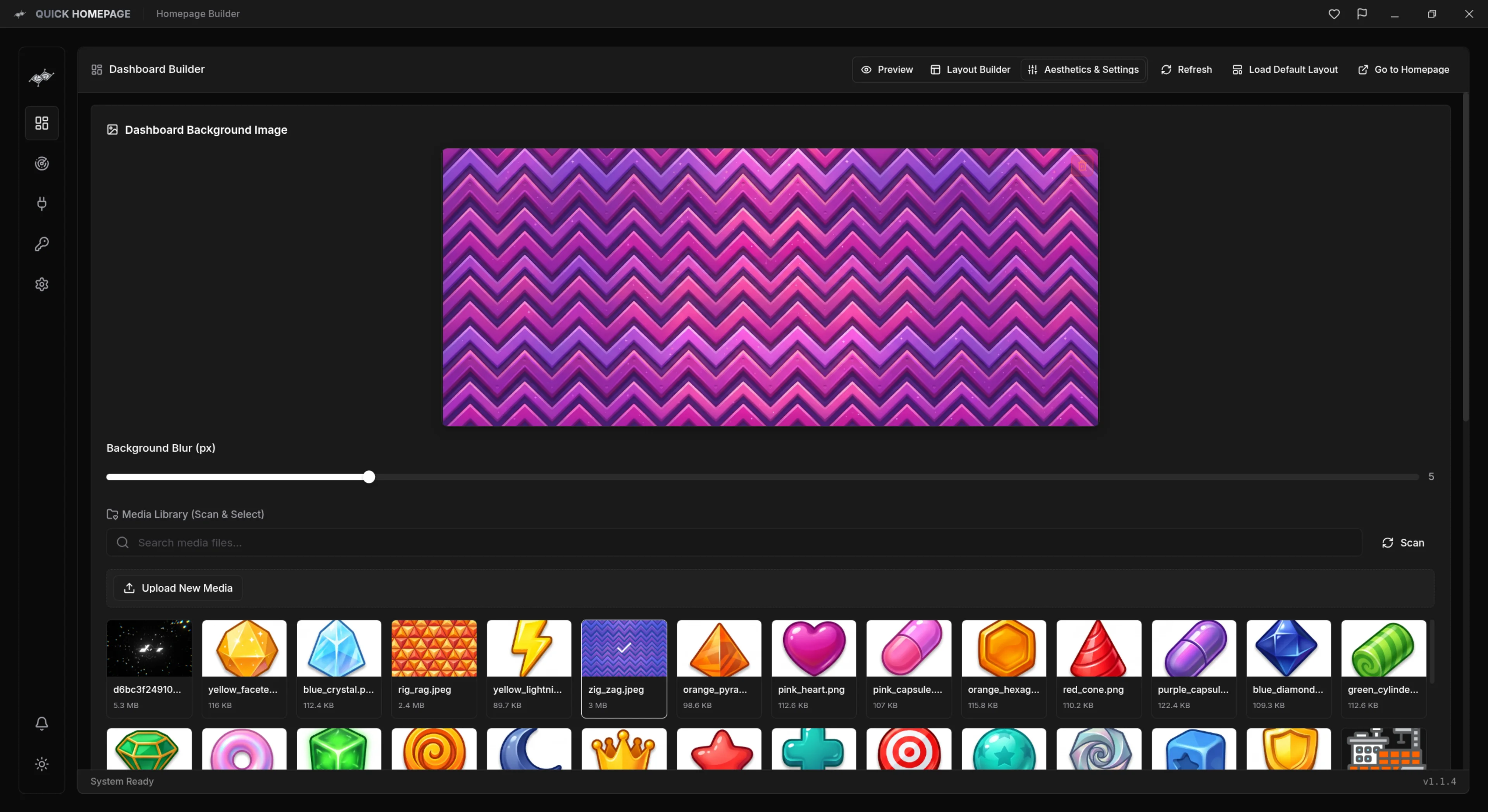
- Customize layouts, icons, and collections with instant clarity
- Build interactive custom widgets directly with Python
