Best AI Note-Taking Apps With a Built-In Prompt Debugger and Task System
Basic chat sidebars are not enough for repeatable prompt engineering. Discover how Tekno Notebook combines custom AI tasks, a built-in prompt debugger, and a writing assistant.
Why Generic AI Chat Sidebars Fall Short for Serious Note-Takers
Reliable results come from testable, reusable tasks—not rewriting the same prompt from scratch every day.
Most note apps bolt on a basic 'summarize' button with zero transparency into how prompts behave. Developers, researchers, and power students need real control to design, test, and refine AI workflows right beside their notes.
4 Capabilities That Define a Next-Generation AI Note App
- Reusable Task Creation: Turn recurring workflows—like extracting quiz questions or reviewing drafts—into structured tasks.
- Built-In Prompt Debugger: Inspect and iterate on prompt engineering techniques until outputs stay consistent.
- Practical Writing Assistant: Get spelling, grammar, and phrasing improvements without leaving your editor.
- Smart Voice Integrations: Pair AI workflows seamlessly with Text-to-Speech and Speech-to-Text.
Task: Exam Concept Checker
Input: Selected study note section
Steps:
1. Extract 3 core definitions without adding outside fluff.
2. Flag any ambiguous phrasing or missing formulas.
3. Output a 3-question self-test.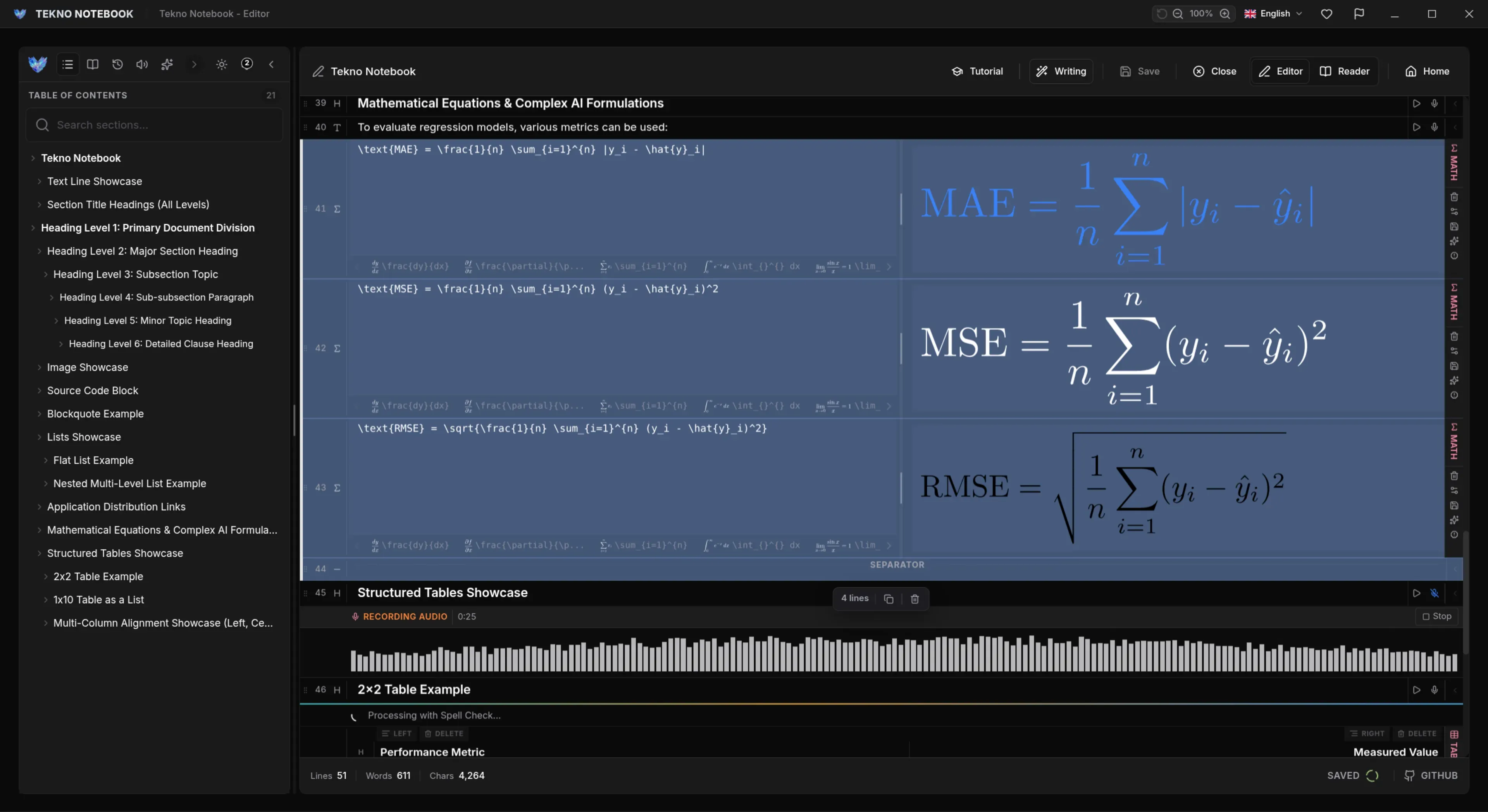

Tekno Notebook: Notes and Prompt Engineering Under One Roof
Structured AI tasks and debugging built right into your desktop notebook.
Built-In AI Tasks & Debugger
Tekno Notebook's AI system lets you create structured tasks and apply prompt engineering techniques with its built-in debugger—paired seamlessly with the Writing Assistant and TTS/STT voice tools.
The gap between casual AI use and real productivity is having tested, repeatable tasks instead of improvising every prompt.

Tekno Notebook
Build AI Tasks and Debug Prompts Directly Inside Tekno Notebook
Tekno Notebook features an advanced AI system with a built-in prompt debugger, reusable task creation, a writing assistant, and smart TTS/STT integrations.
- New AI system with a built-in prompt debugger for precision testing
- Task Creation lets you save repeatable prompt engineering workflows
- Writing Assistant checks spelling, grammar, and suggests improvements
- Smart integration with offline Text-to-Speech (TTS) and Speech-to-Text (STT)