UPnP on Your Router: The Hidden Convenience Feature Quietly Opening Ports Behind Your Back
Most home routers ship with UPnP turned on for easy gaming and smart devices—yet it lets any app on your Wi-Fi punch holes through your firewall silently. Should you turn it off?
How UPnP Opens Firewall Ports Without Ever Asking You
Built for effortless plug-and-play convenience, UPnP assumes every device on your Wi-Fi is 100% trustworthy.
Many people assume that because they never set up manual port forwarding, their home network is sealed shut. In reality, Universal Plug and Play (UPnP) comes enabled by default on most consumer routers—allowing any app or gadget on your LAN to silently instruct the router to open public ports with zero authentication.
Originally meant to help game consoles, voice apps, and media tools connect smoothly, UPnP cannot tell the difference between a legitimate game and compromised smart-home gear or malware opening a backdoor.
When It Helps vs. Why Security Pros Turn It Off
1. The Hidden Risk of Unpatched Devices
If your Wi-Fi hosts aging cameras, budget smart plugs, or guest laptops, leaving UPnP on gives every single one of them permission to rewrite your router's firewall rules silently.
2. The Safer Alternative: Turn Off UPnP and Approve Manually
In 95% of homes, disabling UPnP breaks nothing—browsing, streaming, and video calls continue normally. If a specific app truly needs an inbound port, setting one intentional rule yourself keeps you in control.
3-Minute UPnP Check and Disable Checklist
- Open your router admin panel and navigate to Advanced Settings or NAT / Forwarding.
- Inspect the UPnP Active Port Mappings table to see what opened ports automatically.
- Toggle off 'Enable UPnP,' save your changes, and reboot the router if prompted.
- Verify that Remote Administration over WAN is also disabled while you are there.
Make Router Audits Effortless Instead of a Forgotten Chore
Most router settings go untouched for years simply because nobody remembers the admin URL.
Keeping your router panel, access points, and local servers on one clean start page turns a quarterly security check into a two-minute habit.
Convenience that opens firewall ports behind your back is rarely worth saving one minute of manual setup.
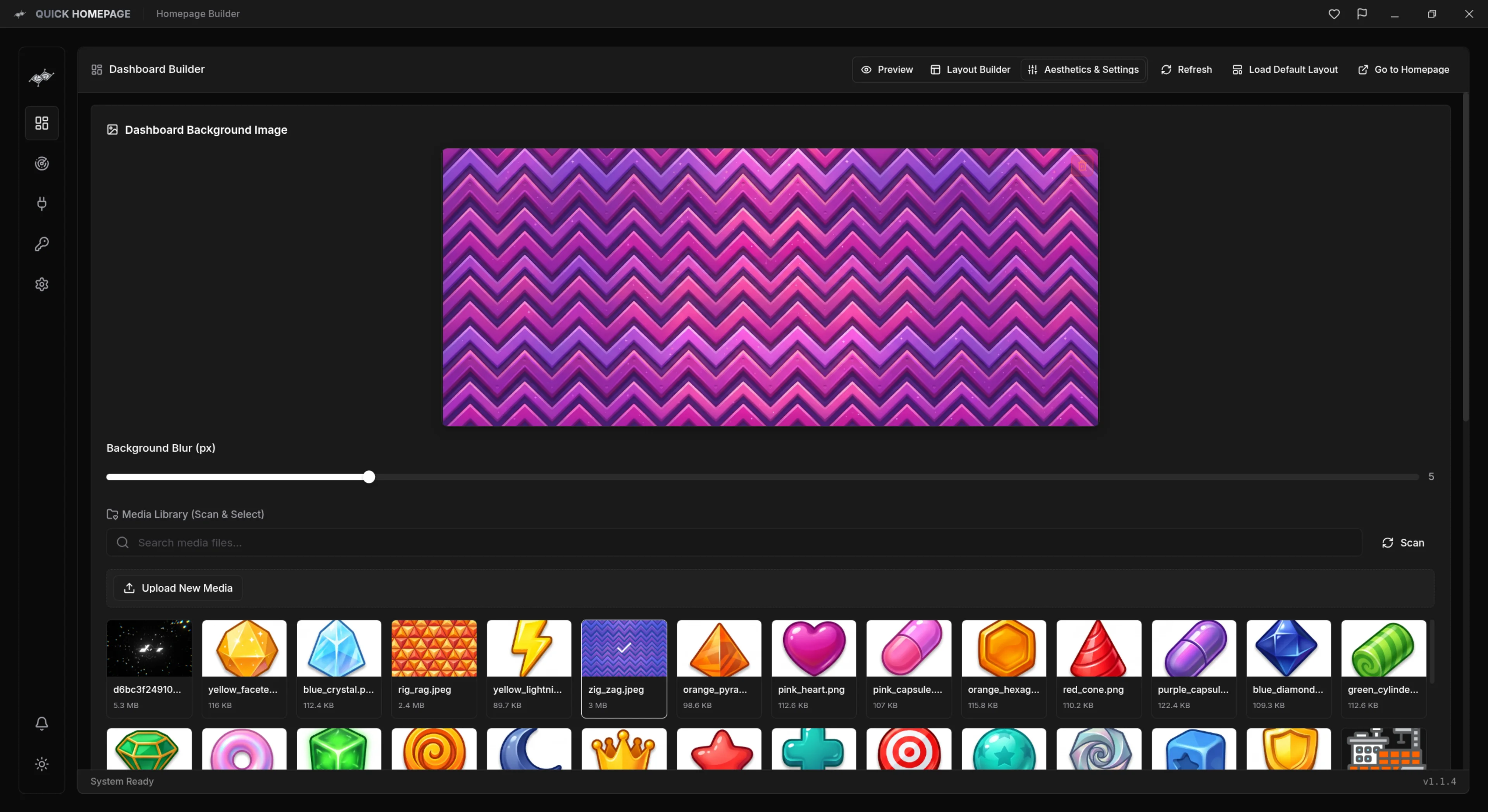
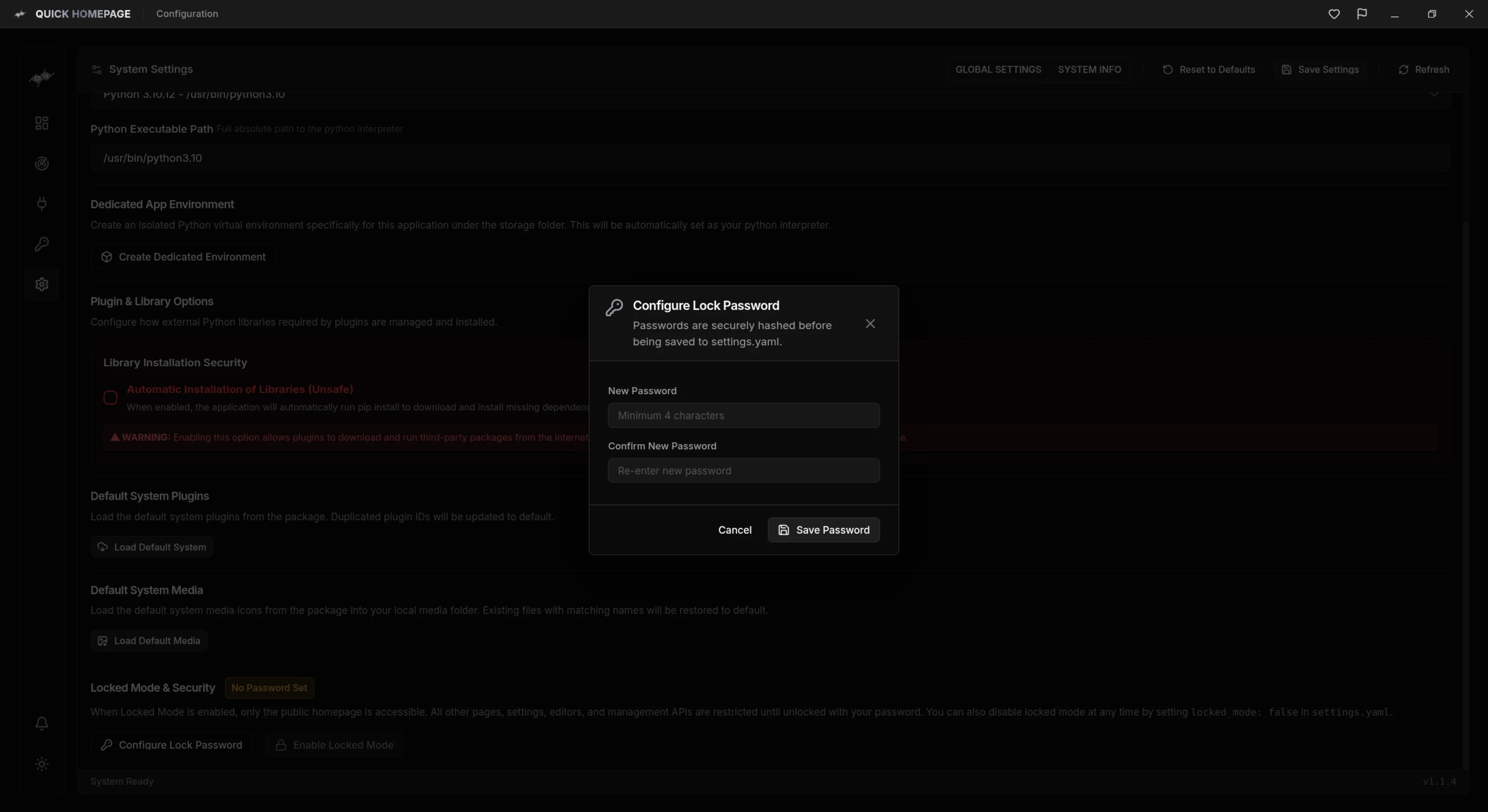
Quick Homepage automatically discovers running LAN services and groups your router and local devices into a neat, lockable dashboard so everything stays visible.

Quick Homepage
Keep Your Router Panel and Local Services One Click Away in Quick Homepage
Quick Homepage auto-discovers active services on your LAN and organizes your router and admin panels in one clean, config-locked desktop hub.
- Automatic discovery of active services running across your LAN
- One-click access to your router dashboard and diagnostic tools
- Config Lock prevents accidental edits to your network layout
- Runs locally on your machine with zero external telemetry