Share Your Home Server or Office Tools Safely With Quick Homepage's Collections & Config Lock
Worried that family members or teammates might accidentally delete tiles or break your start page? See how Quick Homepage's Collections and Config Lock keep shared dashboards spotless.
Why Great Start Pages Fall Apart on Shared PCs Within a Week
One stray drag or accidental delete breaks the layout—unless editing is locked away.
A dashboard nobody can accidentally break is a dashboard everyone actually enjoys using.
Whether on a living-room family PC or a shared small-office workstation, non-technical users often hesitate to click around dashboards for fear of messing up settings. Quick Homepage solves this cleanly by pairing intuitive Collections with one-click Config Lock.
4 Smart Ways to Use Collections & Config Lock in Quick Homepage
- Family PCs: dedicated 'Photos & Media' and 'Home Files' collections locked against accidental clicks.
- Small offices & clinics: pin internal portals and printer panels on a clean, unbreakable start screen.
- Study labs: present shared tools and references in a consistent layout for every student.
- Your own workstation: stop accidental drags during busy mornings and unlock only when adding a new tool.

Full Control for You, Effortless Calm for Everyone Else
Two quick steps make any desktop start page ready to share safely.
Quick Homepage keeps shared administration refreshingly simple:
1. Build Self-Explanatory Collections
Group links under plain titles with crisp icons so anyone finds the right service in two seconds.
2. Toggle Config Lock and Relax
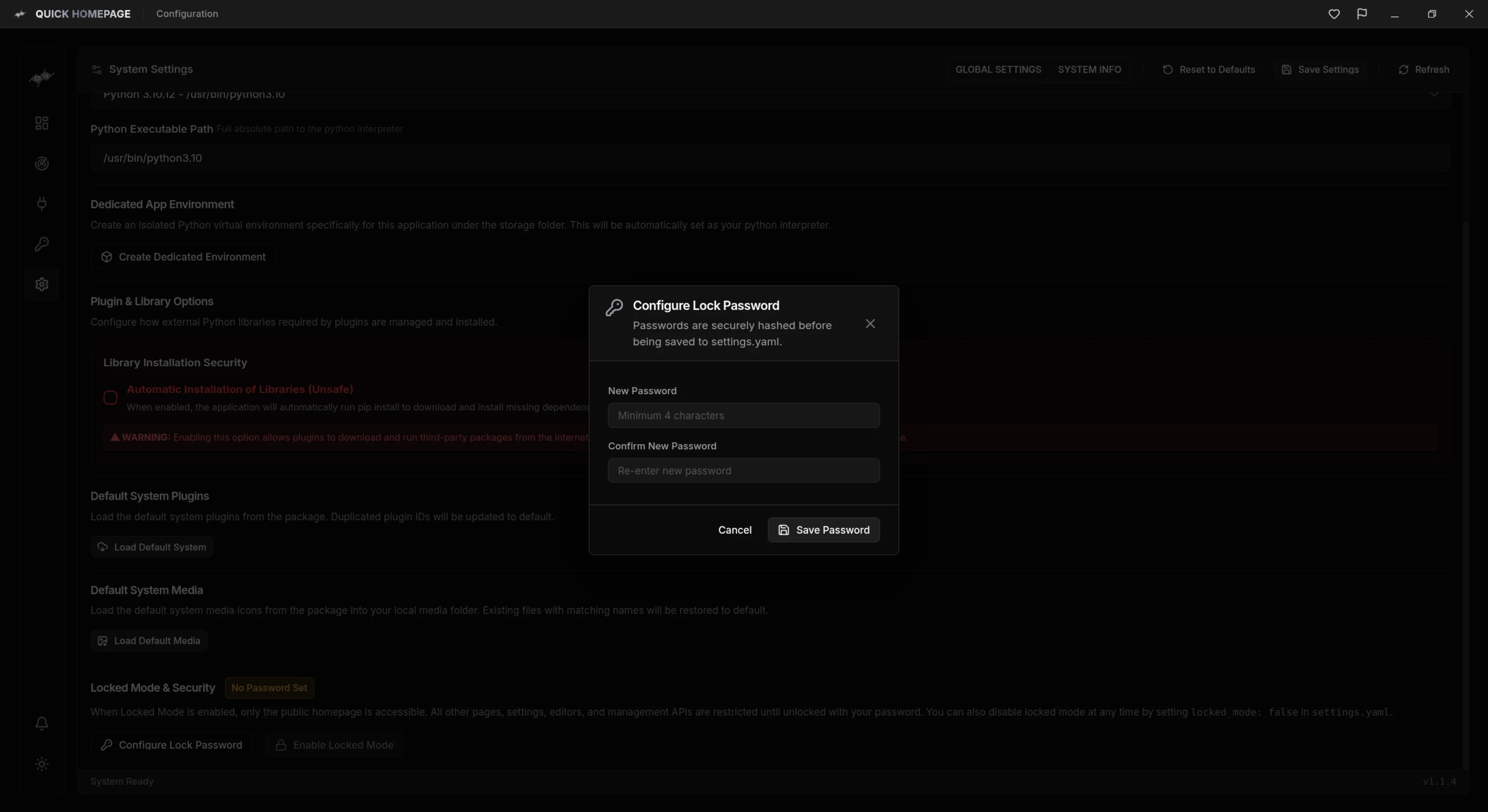
Lock editing controls with a single click—turning your dashboard into a rock-solid launcher you can unlock anytime in a second.

Quick Homepage
Organize Clearly and Lock Your Layout in One Click With Quick Homepage
Quick Homepage lets you group local services and daily web links into neat collections—then flip on Config Lock so shared home or office PCs stay tidy and tamper-proof.
- Config Lock prevents accidental tile deletions or layout changes
- Custom collections separate work, media, and home server links
- Unlock in a second whenever you want to add or edit a service
- Built-in icon and wallpaper library running 100% locally

