Reverse Proxies and Local Domains: Stop Memorizing IP Addresses and Port Numbers
Tired of typing 192.168.1.40:8096 for every self-hosted tool? Learn how a reverse proxy and local domain names give your home network clean, memorable URLs and centralized HTTPS.
Leave Raw IP Addresses and Port Numbers Behind
A reverse proxy acts as a smart front desk that routes friendly names to the right local service.
The moment you run more than two or three services on a home server or dev box—file storage, backups, monitoring, or test apps—your bookmarks turn into a soup of local IP addresses and four-digit ports that nobody else in the house can remember.
How a local reverse proxy cleans it up in four steps:
- You type a readable address like files.home.arpa into your browser.
- Your local DNS resolver points that name to your reverse proxy host.
- The reverse proxy inspects the requested name and forwards traffic to the exact internal IP and port.
- TLS/HTTPS certificates live in one central place instead of being configured separately on every app.
files.home.arpa   ->  http://192.168.1.40:8080
notes.home.arpa   ->  http://192.168.1.40:3000
monitor.home.arpa ->  http://192.168.1.40:9090
Using the standard reserved suffix .home.arpa ensures your internal service names never collide with public websites on the internet.


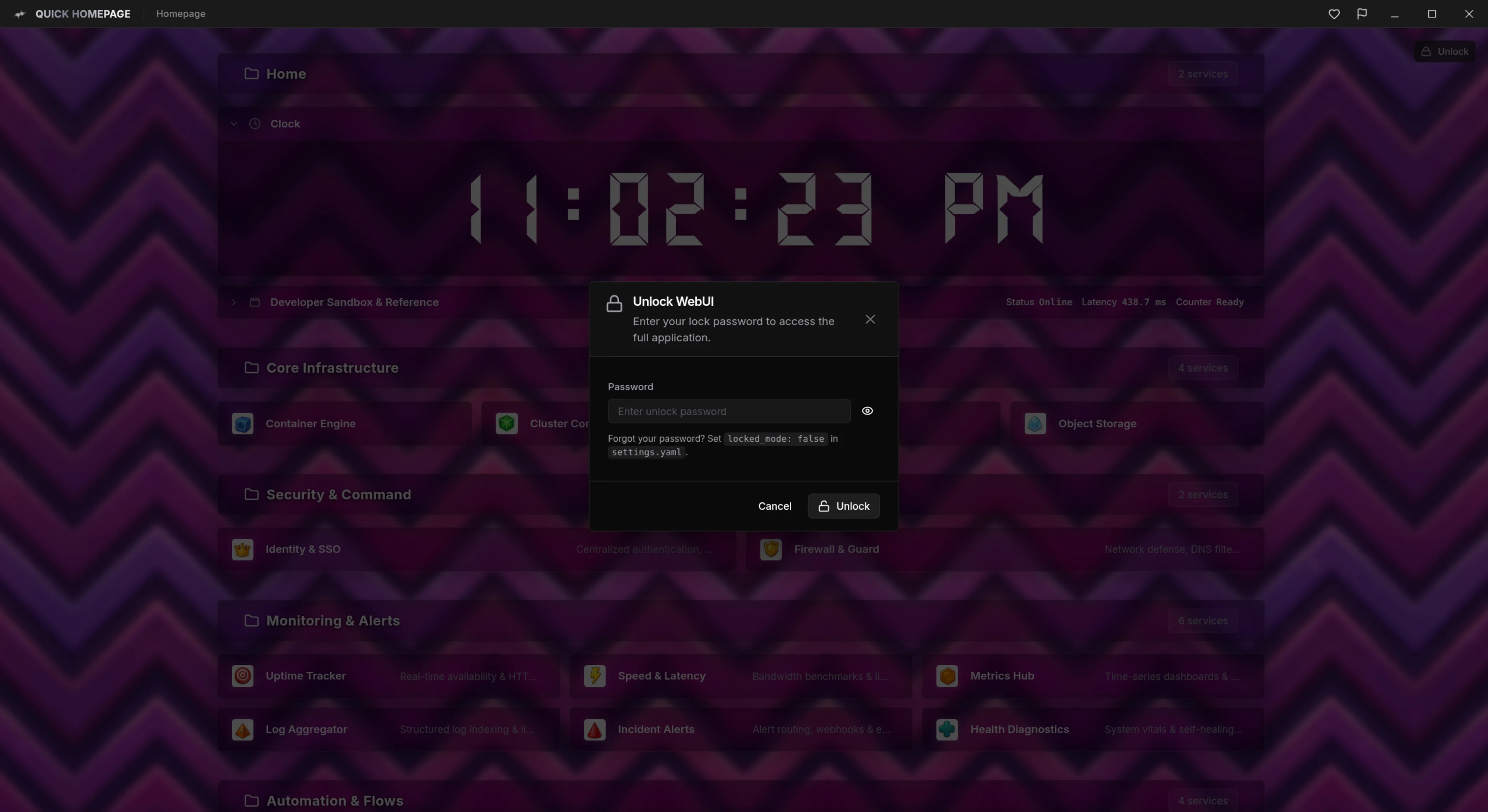
Pair Clean Names With a Single Launchpad
Readable URLs remove typing errors; a unified dashboard removes typing altogether.
Combining local domains with a clean start page pays off immediately:
1. Move Services Without Breaking Bookmarks
If you migrate an app to a new port or machine, updating one routing rule in your reverse proxy keeps every link working across all your devices.
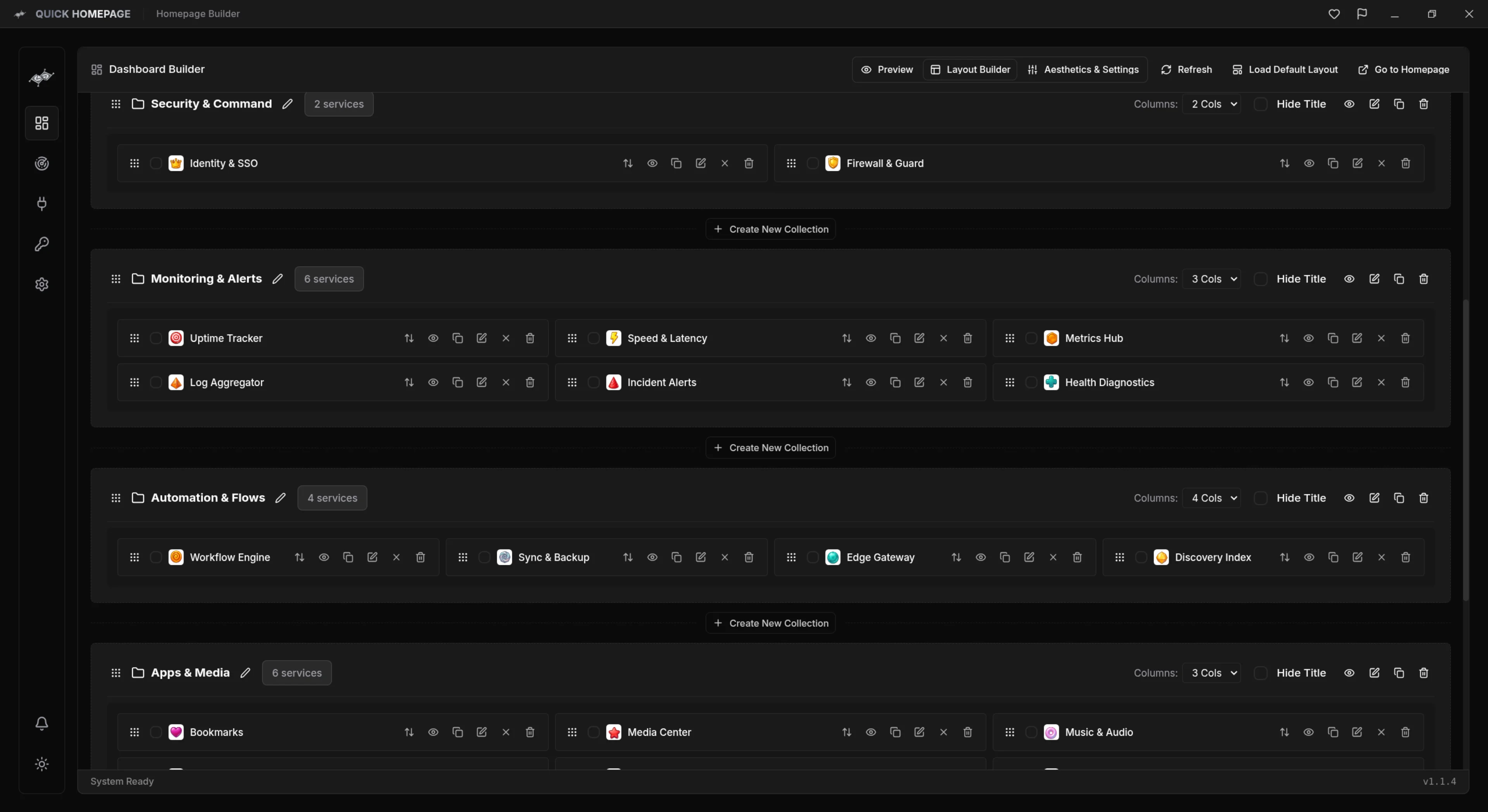
2. Auto-Discover and Organize With Quick Homepage
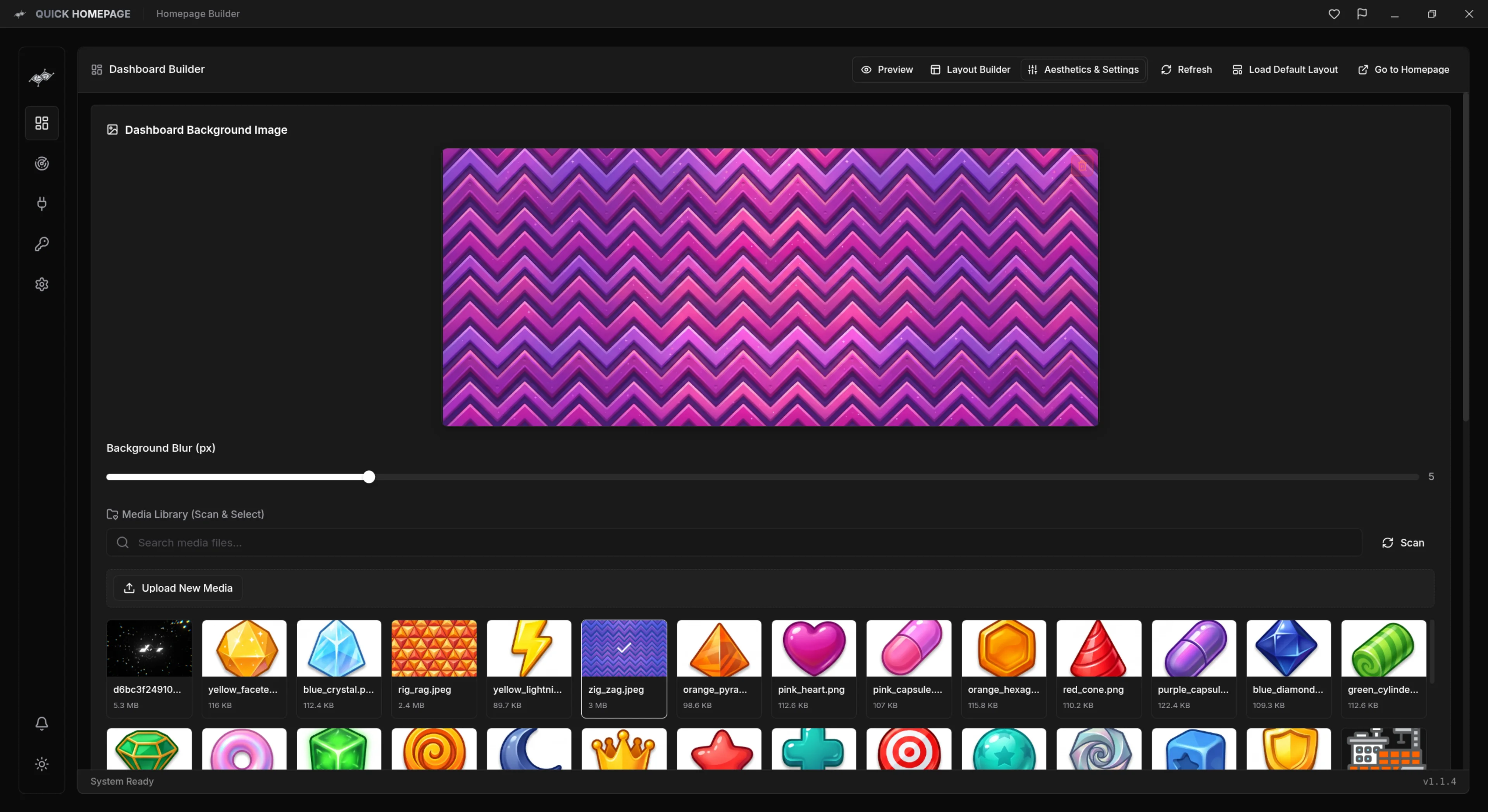
Whether you are still mapping out raw ports or already running clean local domains, Quick Homepage scans your network with its built-in scanner and lets you organize every service in neat collections via GUI or YAML.
A well-structured home network fades into the background so you can focus on what you actually want to use.
Pick your top three local services this week, assign them clean names, and group them on one tidy homepage.

Quick Homepage
Every Service on Your Network, One Click Away
Quick Homepage is a desktop and self-hosted homelab dashboard that discovers running services with its built-in network scanner and organizes them into collections. Available for Linux and Windows.
- Built-in network and port scanner finds hosts, ports, and services
- Custom names, URLs, descriptions, and icons with a built-in icon and media library
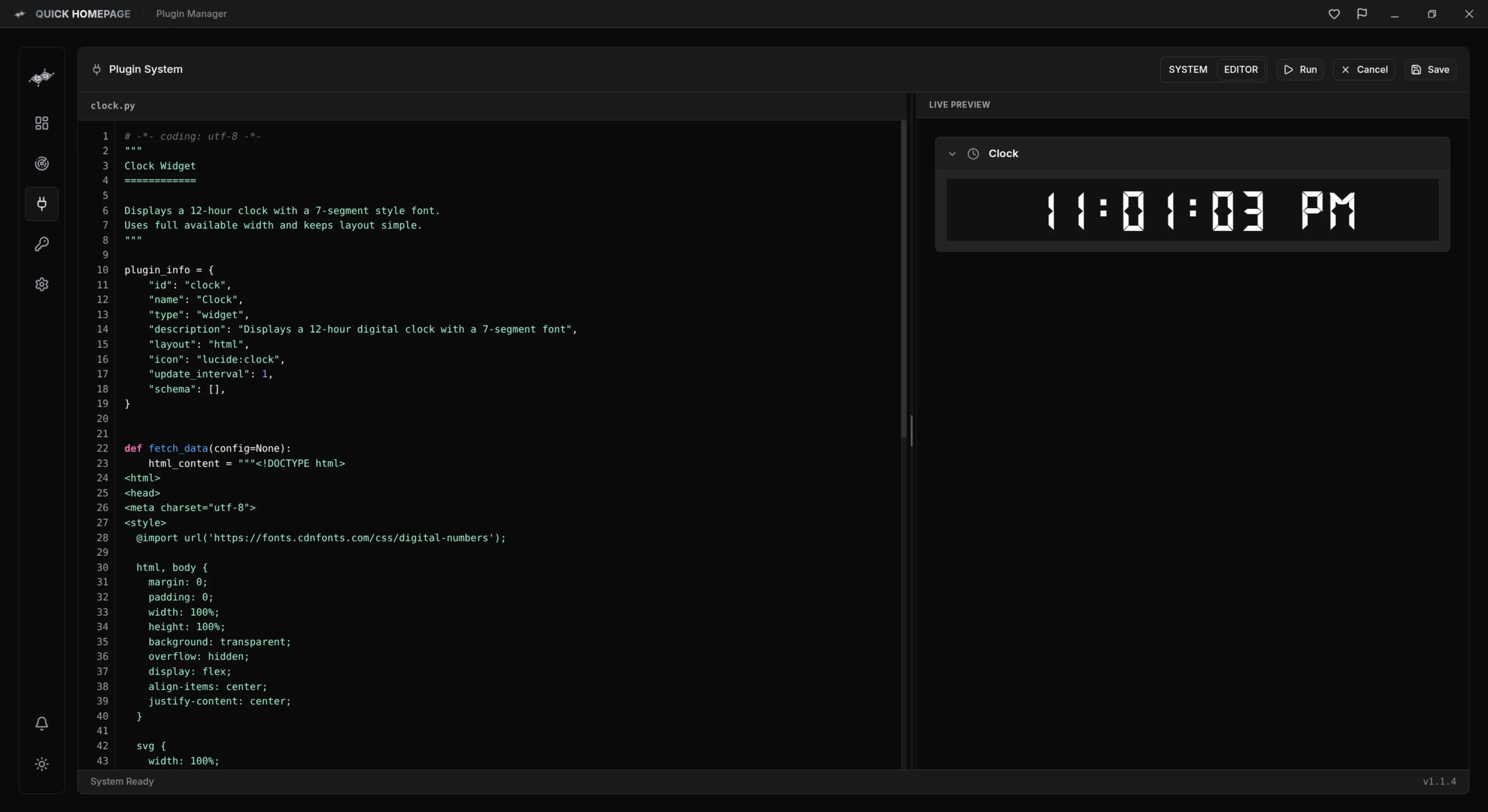
- Collections, layouts, plugins, and live widgets for your homelab
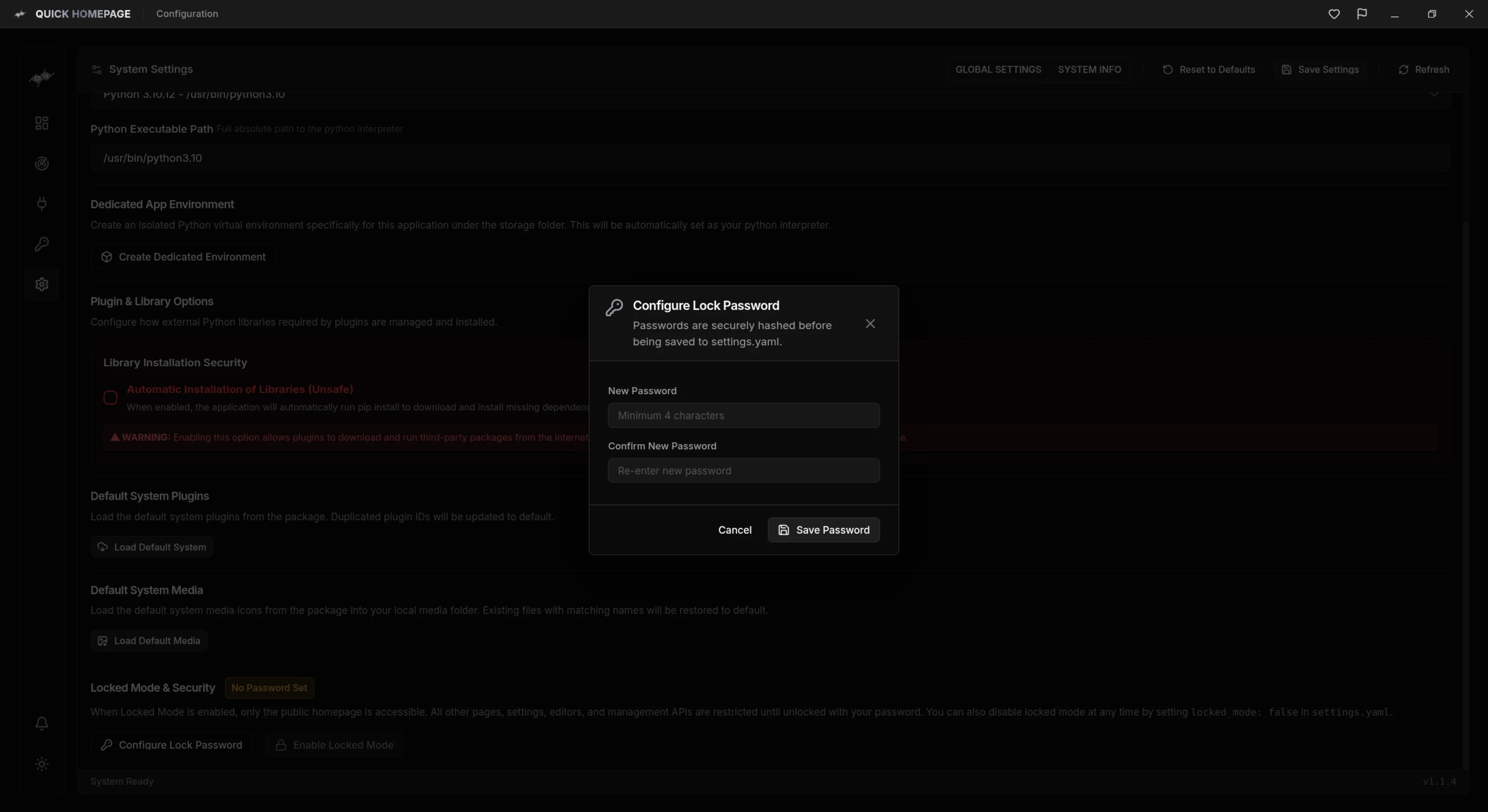
- Configure through the GUI or edit YAML files directly

