The Home Network Bus Factor: Can Anyone Else in Your House Use Your Local Services?
Too many home servers and local setups rely on one person memorizing every IP and port. Learn how to turn your local network into a clear, lockable hub anyone can use.
What Happens to Your Local Services If You Are Away for a Week?
The real test of a smart home or homelab is how smoothly it runs when you are not in the room.
Software teams use a metric called the bus factor—how many people have to be unavailable before a system becomes unusable. Surprisingly, many self-hosted home networks have a bus factor of one: photo backups, local file shares, printers, and cameras all work great until the person who memorized every IP and port goes out of town.
The issue is never that family members or teammates lack technical skill. The issue is forcing everyday users to type cryptic port numbers instead of giving them one obvious starting page.
Two Principles That Make Any Local Network Effortless
1. Trade Numbers for Everyday Labels and Collections
Nobody wants to remember that shared photos live on port 8096 or that the printer panel sits at 192.168.1.40. Give every service a clear title and icon inside an intuitive collection so opening it takes one click.
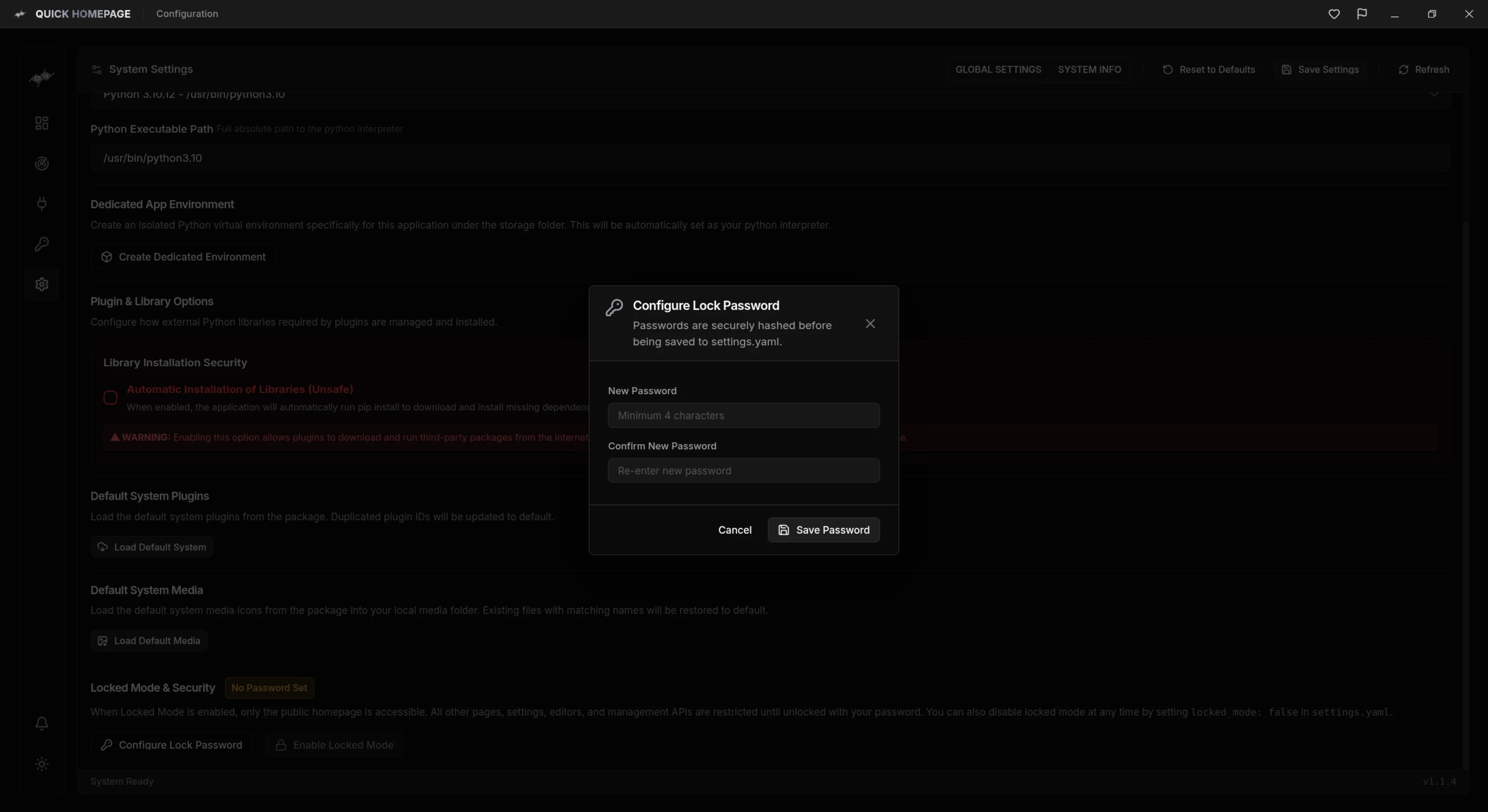
2. Separate Daily Use From Editing With Config Lock
Non-technical users often avoid dashboards because they worry about accidentally deleting a tile or breaking a setting. Locking the layout removes that hesitation completely.
4-Point Usability Test for Your Home or Office LAN
- Can a non-technical user open shared files or cameras in under 10 seconds without asking you?
- Do all local services live on one unified start page instead of scattered browser bookmarks?
- Is the dashboard protected with a configuration lock to prevent accidental edits?
- Is there a short one-page note explaining how to reboot the router after a power cut?

Make Quick Homepage the Shared Starting Point on Your Network
Flexible for power users, effortless and tamper-proof for everyone else.
Great home technology stays invisible and dependable—nobody should need a manual just to open a local folder or media library.
A well-engineered setup does not prove its value through complexity, but through how easily it works when its creator steps away.
With Quick Homepage, you can auto-discover local services, organize them into clear collections, and turn on Config Lock so your dashboard stays clean and ready for everyone.

Quick Homepage
Turn Cryptic IPs Into a Clean, Config-Locked Portal With Quick Homepage
Quick Homepage auto-discovers local services, groups them under plain labels, and protects your layout with Config Lock so anyone at home or work can click safely.
- Replace raw IP:port addresses with plain-language service cards
- Config Lock prevents accidental edits or deleted shortcuts
- Automatic discovery finds running services on your LAN
- Group apps into clean collections for media, files, and admin