Bufferbloat Explained: Why Your Ping Spikes and Calls Freeze Even on Fast Fiber Internet
Paying for high-speed internet yet still hitting lag spikes whenever someone uploads a photo backup? Learn what bufferbloat is and how a simple router setting fixes it.
Why Raw Download Speed Alone Cannot Stop Lag Spikes
When oversized router buffers hoard too many packets, your voice call gets trapped behind a heavy upload.
High bandwidth is a wide highway; bufferbloat is a jammed tollbooth forcing every urgent packet to wait in the same line.
It is a classic frustration: you have fast fiber, yet the instant someone uploads a backup or downloads a game patch, ping jumps from 20ms to 400ms and video calls stutter. The cause is bufferbloat—excessively large memory queues inside routers that pile up bulk traffic instead of letting tiny real-time packets pass first.
4 Practical Steps to Fix Bufferbloat
- Measure latency under load—not just idle speed—to see how much ping rises during uploads.
- Enable Smart Queue Management (SQM) or QoS inside your router's traffic settings.
- Cap upload and download limits inside QoS to roughly 85–90% of your real line speed so queues never overflow.
- Wire heavy desktops and home servers via Ethernet to eliminate wireless jitter.
Keep Your Network Tools and Status Widgets One Click Away
Fast access to router panels and local health checks makes tuning your network effortless.
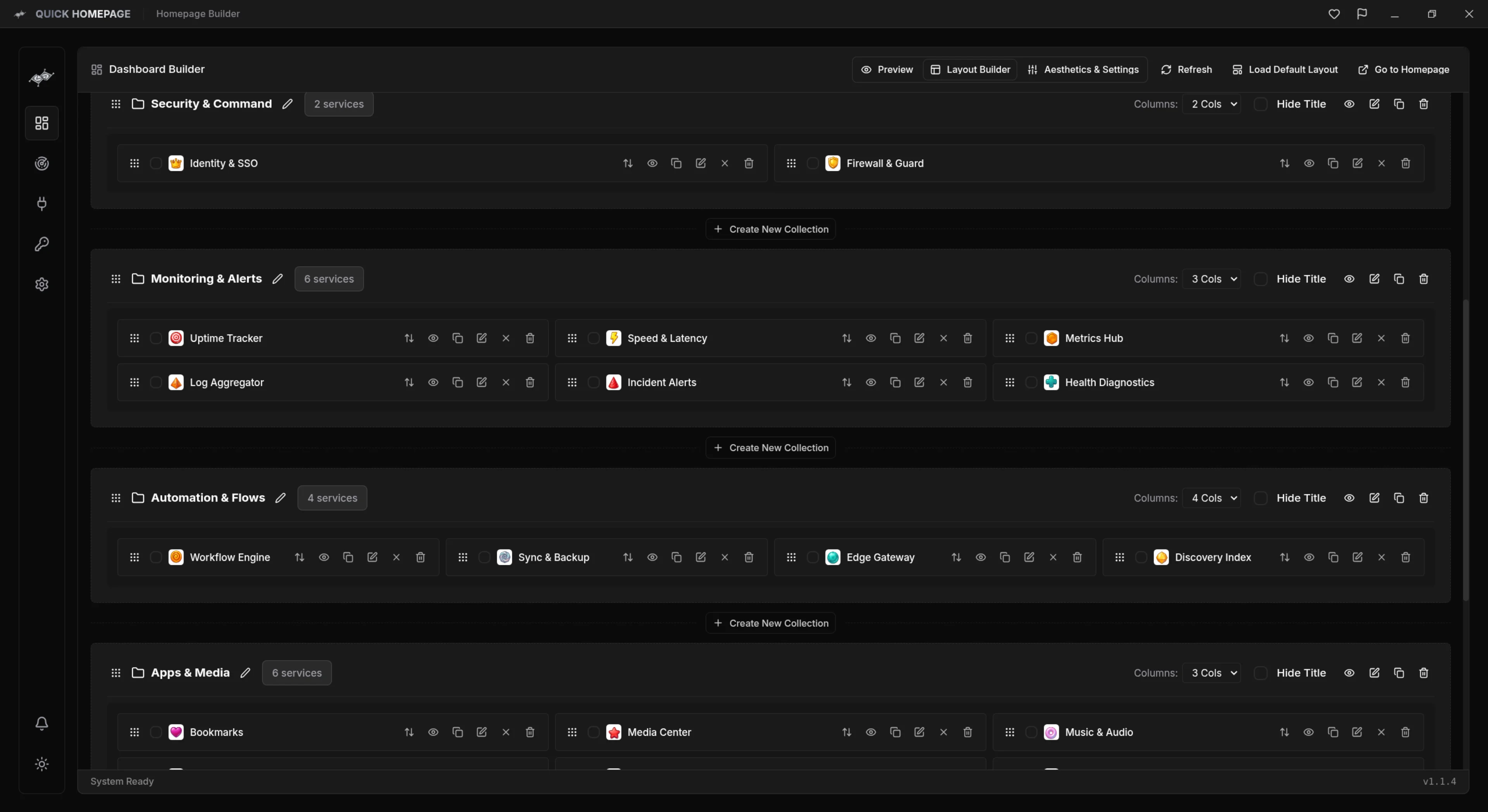
How Quick Homepage helps you stay on top of local network performance:
- Groups your router admin page and local test utilities in one instant-launch collection.
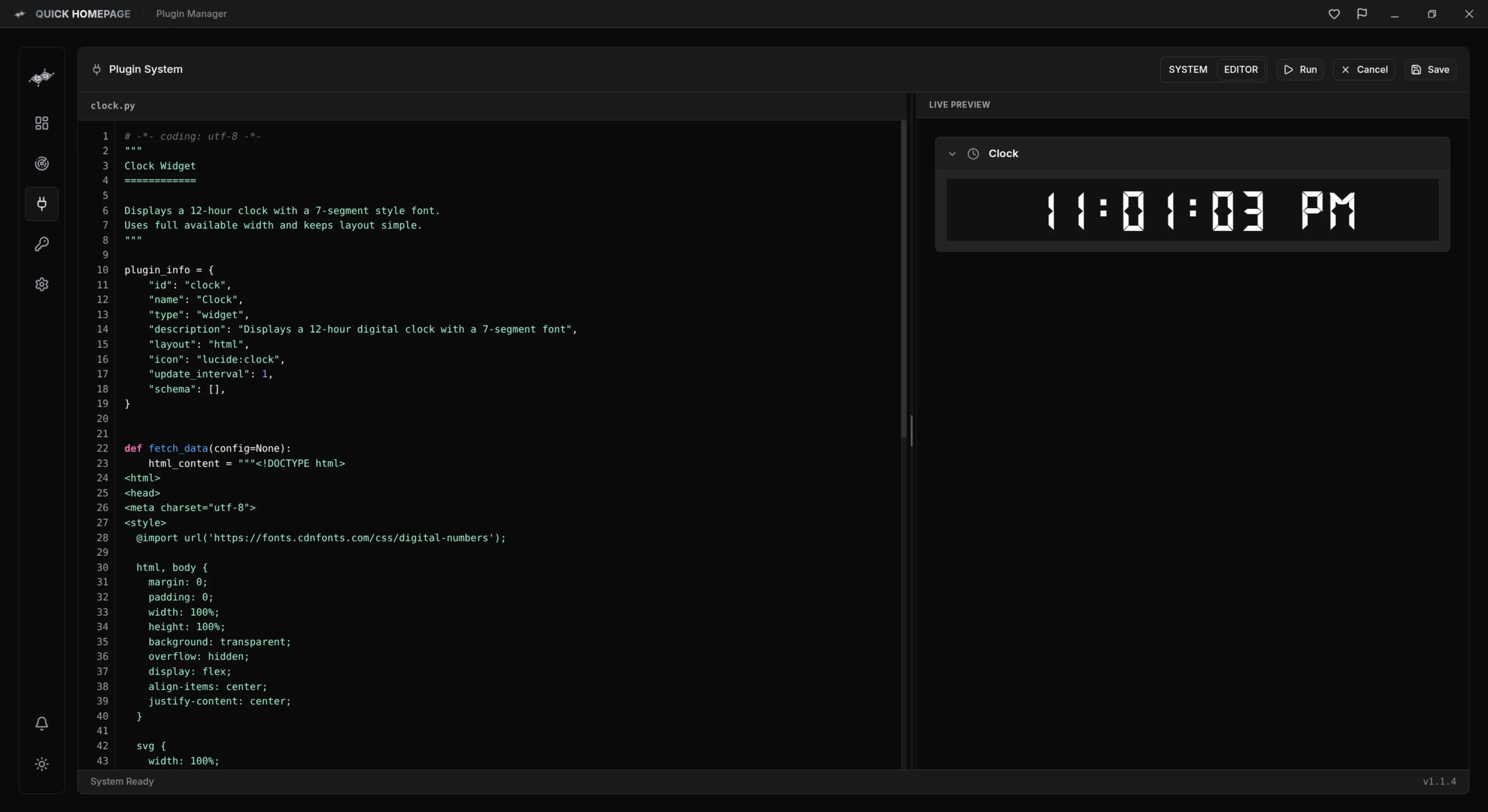
- Supports custom Python widgets and add-ons to display live host reachability.
- Auto-discovers running services on your LAN so you always know what is active.
Taming bufferbloat once—and keeping your router and widgets organized in Quick Homepage—turns a fast-on-paper connection into one that actually feels snappy all day.

Quick Homepage
Keep Your Router Panel and Network Widgets Together in Quick Homepage
Quick Homepage organizes your router interface and local diagnostics while letting you build lightweight Python widgets to watch network health at a glance.
- Auto-discovers active services and devices across your LAN
- Custom plugins and live widgets to monitor local health
- One-click access to router QoS settings and local tools
- Lightweight desktop dashboard with zero browser bloat