How to Start and Run a Successful Jameia: A Step-by-Step Practical Guide
Planning to launch a rotating savings circle with family, friends, or coworkers? Follow this practical step-by-step blueprint—from setting fair rules and choosing a calendar to automating payment tables with the Jameia app.
Phase 1: Laying a Rock-Solid Foundation Before the First Installment
Clear ground rules, trusted participants, and transparent scheduling prevent 99% of group friction before it starts.
Running a smooth Jameia isn't about complicated financial engineering—it's about clarity from day one. When everyone understands the contribution amount, due dates, payout order, and communication rhythm upfront, the entire cycle runs almost on autopilot.
Whether you are organizing your first family savings circle or managing multiple groups at work, following a structured setup process ensures every participant feels confident and respected.
Three Essential Steps to Launch Your Jameia Properly
1. Choose a Trusted Circle and Agree on Realistic Contributions
Start with people who share mutual trust and reliable income—close relatives, longtime friends, or steady colleagues. Keep the monthly contribution comfortable enough that no member feels strained during ordinary months, and determine the exact cycle length based on the number of participants (for example, 10 members contributing $200 monthly creates a 10-month cycle with a $2,000 monthly payout).
2. Establish a Fair and Transparent Payout Order
Discuss payout turns openly before collecting the first installment. Some groups draw lots randomly, while others prioritize members with upcoming milestones such as weddings, tuition deadlines, or home repairs. Documenting the agreed order immediately eliminates future misunderstandings.
3. Configure Your Group Inside the Jameia App
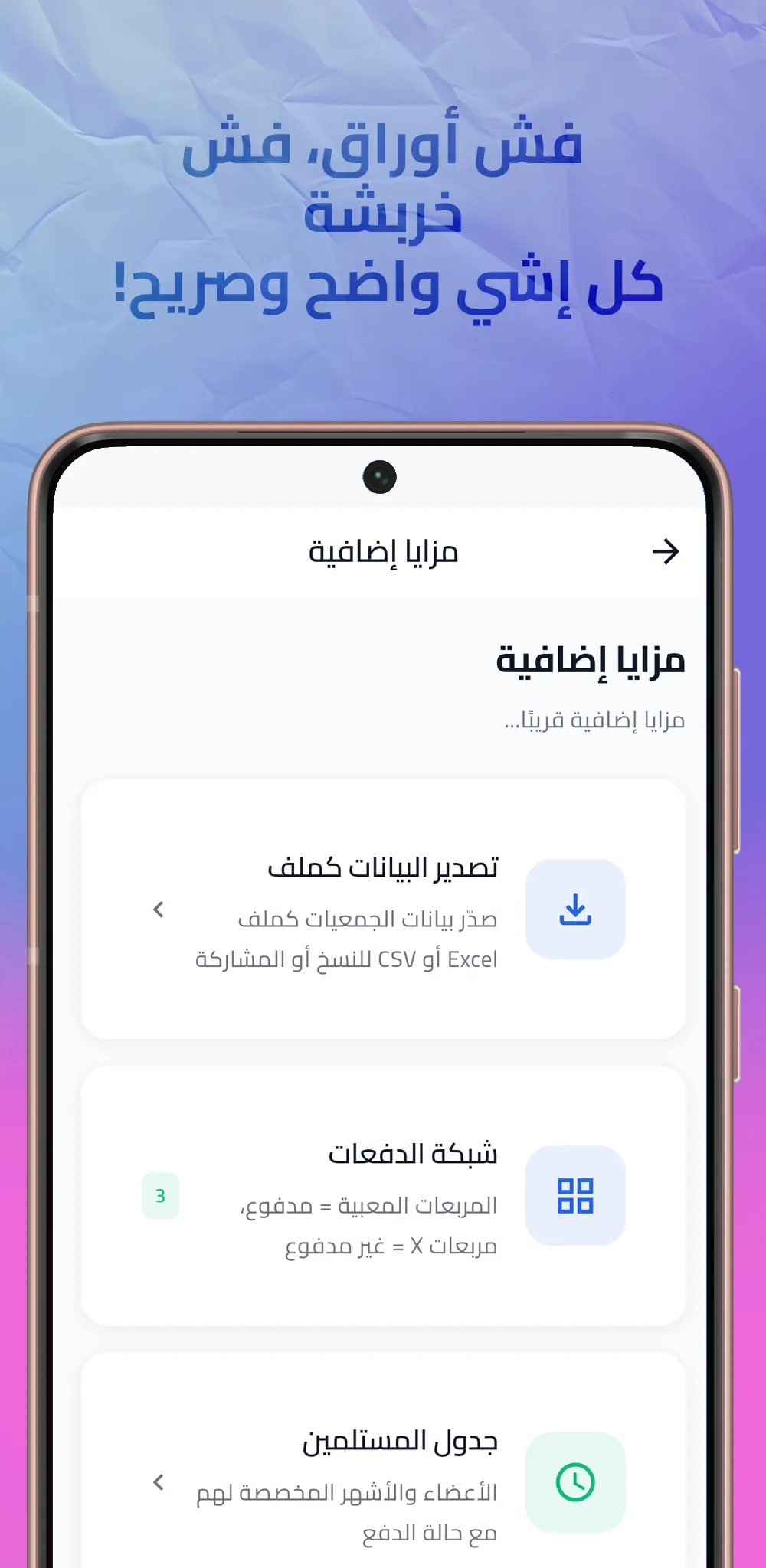
Open Jameia - Rotating Savings to set up your digital ledger in minutes. Select your preferred calendar system—Gregorian, Hijri, or Syriac—choose the month display style that feels most natural to your members, pick your currency (or create a custom local currency), and add each participant along with their assigned role.
Phase 2: Monthly Best Practices for a Stress-Free Cycle
Simple habits that keep payments punctual, records backed up, and every member informed.
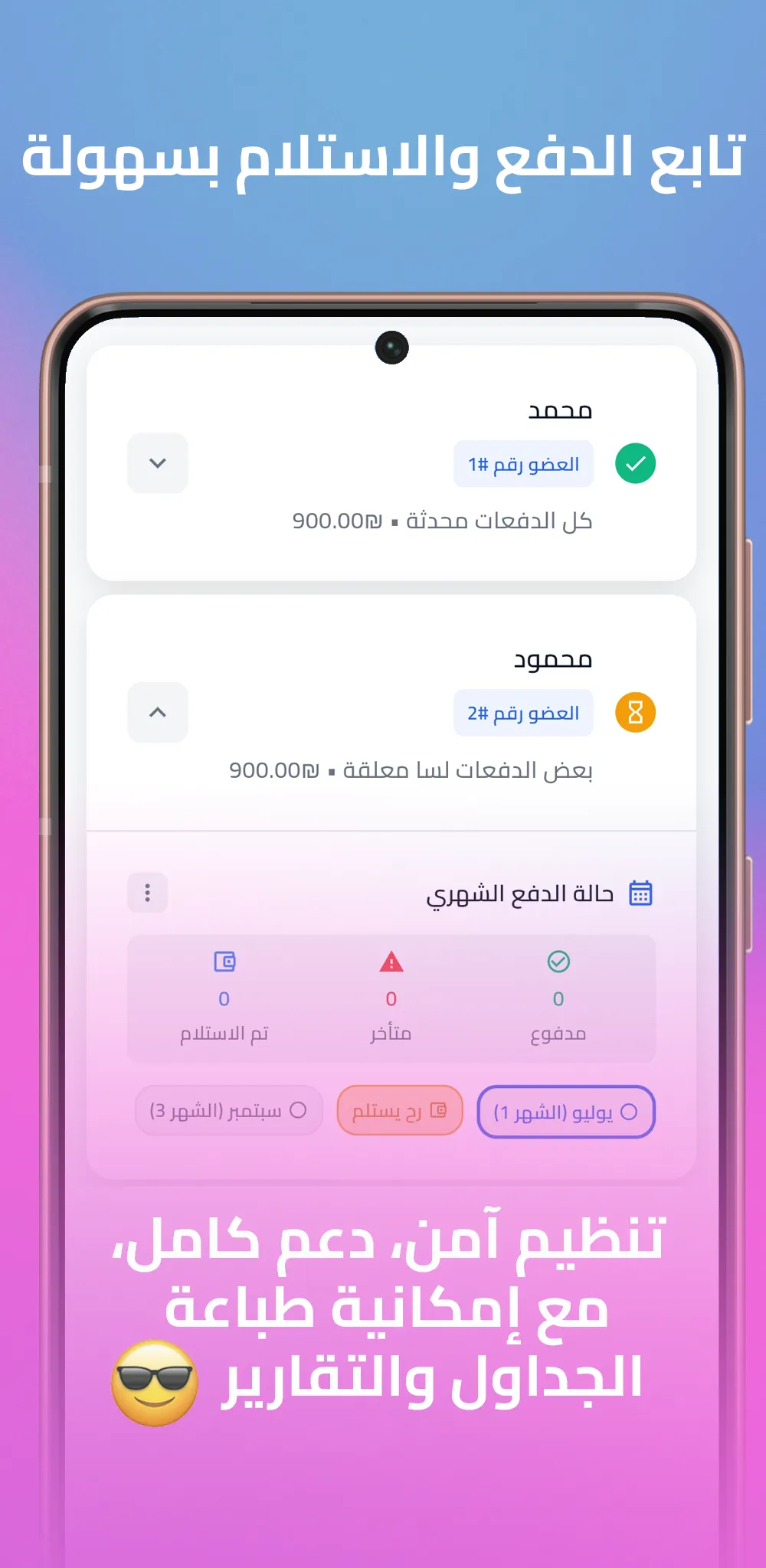
- Share Monthly PDF Snapshots: After recording each month's contributions, export a one-click PDF report and share it in your group chat so everyone sees their updated status.
- Handle Turn Swaps Transparently: If two participants agree to trade payout months, update their roles and names immediately in the app so the schedule reflects reality.
- Keep Printable Backups: Use the built-in print and PDF export tools periodically to store offline copies of your payment tables for long-term peace of mind.
- Protect Group Integrity: Rely on the app's confirmation prompt whenever removing or adjusting members so accidental taps never corrupt your records.
- Separate Different Circles: Create dedicated groups in the app for distinct goals rather than merging unrelated participants into one pot.
A well-documented Jameia turns a simple monthly transfer into a shared celebration every time another member reaches their goal.
Reminder: Keep Funds Separate from Record-Keeping
Because Jameia - Rotating Savings is designed purely for tracking and scheduling without handling real money or collecting personal data, your group continues transferring funds through your preferred bank, cash, or local payment method while the app serves as your single source of truth.
Ready to put this blueprint into practice? Visit the Jameia project page (/en/project/JameiaRotatingSavings), explore how rotating savings empower communities (/en/blog/what-is-jameia-digital-rotating-savings-guide), or see how the app eliminates paper-ledger headaches (/en/blog/how-jameia-app-solves-savings-group-problems).

Jameia - Rotating Savings
Set Up, Track, and Share Your Group Schedule in Minutes
From configuring your currency and calendar system to exporting monthly PDF payment tables, Jameia gives group organizers everything needed for a smooth savings cycle.
- Create custom currencies and select Gregorian, Hijri, or Syriac calendars at setup
- Add members, assign roles, and reorder payout turns cleanly at any stage
- Export one-click PDF reports and print payment tables for regular group check-ins
- Manage multiple separate savings circles simultaneously with zero data harvesting